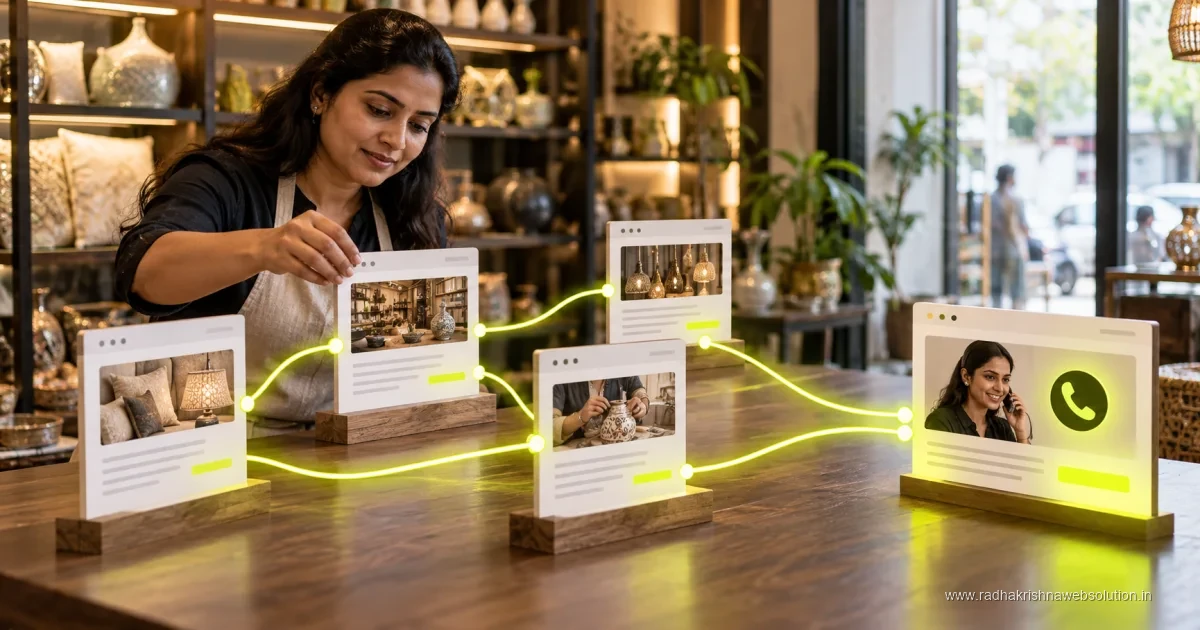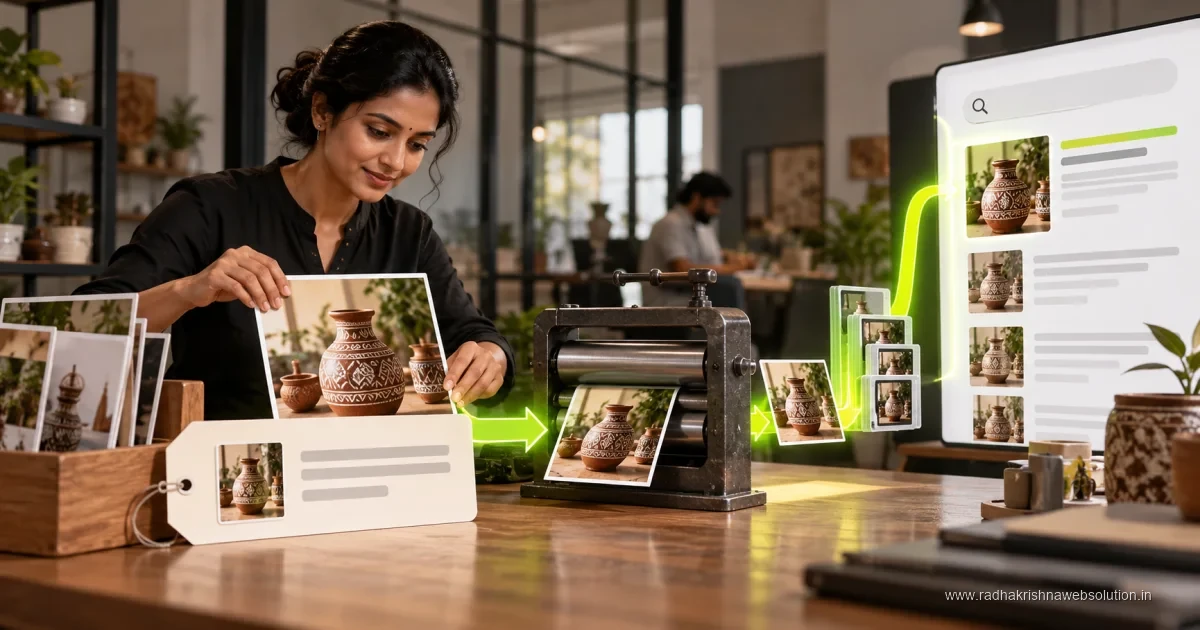
Image SEO helps search engines understand useful images without compromising the visitor's experience. Choose an appropriate image, compress it, set dimensions and write alt text that explains its purpose in context. Decorative images can use empty alternatives; avoid repeating keywords where a concise description would be more helpful.
Photos of your shop, team, products, and work sites can bring enquiries, but only if Google can understand them. To get the basics right, start with our on-page SEO checklist for 2026 and the Core Web Vitals guide to see how heavy images affect speed and rankings.
Why Image SEO Matters for Small Businesses
Indian customers check photos before calling. A restaurant in Baner, a boutique in Vadodara, or an electronics repair shop in PCMC gets more clicks when images load fast and look clear in search and on the website. Optimised images also rank in Google Images, which can send extra traffic for products, designs, and before-after work.
Good image SEO has three parts: relevance, speed, and accessibility. Relevance means the right filename, alt text, and surrounding content. Speed means compressed files that load quickly on mobile data. Accessibility means screen readers can describe the image to visually impaired users. All three help both customers and search engines.
How to Write Helpful Alt Text
Alt text is a short description of an image for search engines and screen readers. It is not a place to stuff keywords. Describe what is visible and add context about your business and location only when it is true and helpful.
- Keep alt text short and specific, usually under one line, like technician repairing split AC in Pune home.
- Mention product, action, and setting instead of generic words like image or photo.
- Use keywords naturally only if they describe the image, not on every decorative icon or banner.
- Leave decorative icons and dividers with empty alt so screen readers can skip them.
For example, instead of IMG_2024_1 or best dentist Pune cheap, use dental clinic treatment room in Baner Pune for a real clinic photo. If you need help cleaning up service pages, our SEO services team can review titles, headings, and image usage together.
Name, Size, and Compress Images Correctly
Before uploading, rename files with simple lowercase words separated by hyphens, such as modular-kitchen-pune-hinjewadi.jpg. Avoid camera names like DSC0456. Choose JPG for photos, PNG for logos with transparency, and WebP when your website development setup supports it for better compression.
Resize images to the size actually displayed. A full-width banner rarely needs more than 1600 pixels wide, and service page photos are often fine at 800 to 1200 pixels. Then compress them with a free tool or plugin so each image is ideally under two hundred KB without looking blurry. This one habit improves speed for customers in areas with slow mobile data.
Add Context Around Your Images
Google understands images partly from surrounding text. Place product and work photos near relevant headings, captions, and service descriptions. A page about CCTV installation in Vadodara should have installation photos near text explaining brands, warranty, and service areas, not in a random gallery with no explanation.
Add simple captions where helpful, link related service pages, and keep your most important image near the top of the page. Also create an image sitemap or ensure images are in your normal sitemap so Search Console can discover them. For step-by-step crawling help, see our Search Console guide for small business.
| Image Task | Good Practice | Common Mistake to Avoid |
|---|---|---|
| Filename | modular-kitchen-pune.jpg | DSC0456.jpg or IMG_001.jpg |
| Alt text | Short, specific description of photo | Keyword stuffing or leaving it blank |
| Size | Resized to display size, compressed | Uploading 5 MB original camera files |
| Format | JPG for photos, WebP where supported | PNG for all large photos |
| Placement | Near relevant heading and service text | Unlabelled gallery with no context |
Simple Image SEO Workflow for Busy Owners
You do not need a designer for daily image SEO. Ask your staff to send original photos on WhatsApp, then follow a fixed process: select best five photos, rename files, resize and compress, upload with clear alt text, and add one line of caption or service detail. Repeat for each new project or product.
Check Search Console image search performance once a month and replace photos that never get clicks with better angles or lighting. If images still slow down your site or look stretched on mobile, contact RadhaKrishna Web Solutions or call +91 70962 91214 for a speed and image review. We help Pune and Vadodara SMBs with practical digital marketing and website improvements that protect both looks and load time.
Step-by-Step Image Optimisation Process Before You Hit Publish
Follow the same order every time so no image goes live unoptimised. This process takes about ten minutes per batch once your team gets used to it, and it prevents the common problem of uploading heavy camera files directly to the site. Ask one person to own this checklist for each new project or product update.
- Pick only the best photos and delete blurry or repeated shots before editing.
- Rename each file with short lowercase words, such as root-canal-treatment-baner-pune.jpg.
- Resize to the display width, usually 800 to 1200 pixels for content photos and up to 1600 pixels for banners.
- Compress each file so it loads quickly on mobile data without looking blurry.
- Upload and write short, specific alt text that describes what is visible in that photo.
- Add a caption or a line of nearby service text, then check the page on your phone.
When images still feel slow after compression, read our website speed optimisation guide to check other causes such as sliders, page builders, and uncached scripts. Image size is often the biggest factor, but speed usually improves most when images and code are fixed together.
Common Image SEO Mistakes That Slow Down Indian Business Sites
Most image problems come from hurry rather than lack of knowledge. Staff upload original WhatsApp or camera photos directly, filenames stay as IMG or DSC numbers, and ten similar gallery photos sit on one page with no text around them. Each of these habits makes the page heavier and harder for Google to understand.
- Uploading full-resolution phone photos of several MB without resizing or compressing.
- Using camera filenames or keyword-stuffed names that describe nothing real.
- Leaving alt text blank on important photos or copying the same alt text to every image.
- Placing before-after or product photos in a plain gallery with no headings or service detail nearby.
- Using PNG for large photographs instead of JPG or WebP, which keeps files needlessly heavy.
Fix the biggest pages first, such as homepage, top two services, and the gallery that customers actually visit. Replace the heaviest files, give each important photo unique alt text, and remove duplicate shots that add weight without adding information.
Tools and Methods to Compress and Serve Images Faster
You do not need paid software to handle image SEO well. Free online compressors, WordPress plugins, and built-in export options in most photo apps are enough for small business sites. The key is to compress before upload and to serve modern formats where your hosting and theme allow it.
- Use a free compressor or image plugin to reduce file size while checking that faces, products, and text stay clear.
- Export photos as JPG and logos as PNG, and use WebP where your setup supports it for lighter files.
- Enable lazy loading so below-the-fold photos load only when the visitor scrolls near them.
- Set clear width and height for images so the page layout does not jump while photos load.
Include image checks in your wider site review with our technical SEO checklist for service businesses and the SEO audit guide for service businesses in India. These guides help you connect image fixes with speed, crawling, and mobile usability in one pass.
Pune and Vadodara Examples: What Good Image SEO Looks Like in Practice
Consider a dental clinic in Baner, Pune, with photos of the treatment room, sterilisation area, and doctor consulting a patient. Good practice means files named dental-treatment-room-baner-pune.jpg and dentist-consulting-patient-pune.jpg, each with short alt text describing that exact photo, placed near text about treatments, timings, and appointment steps.
Similarly, a modular kitchen dealer in Vadodara can show finished kitchens in Gotri and Manjalpur with filenames mentioning the design and area, plus a line of text about materials and warranty near each photo. This helps customers compare designs and helps Google connect each photo with a real service and location. Keep galleries short, keep the best photo near the top, and always link the gallery back to the relevant service and contact options.
Official references and further reading
Frequently asked questions
How long should alt text be?
Keep it short, usually five to twelve words that describe what is visible. Add location or service only when it truly describes the photo.
Should I add keywords to every image?
No, add keywords only when they fit naturally and describe the image. Keyword stuffing in alt text confuses users and does not help rankings.
Why do my images slow down my website?
Large original photos from phones or cameras are often heavy and take time to load on mobile data. Resizing to display size and compressing before upload usually fixes this.
How many photos should a service page have?
Five to eight strong, compressed photos are usually enough for a service page. More photos help only when each one shows something genuinely different and carries clear context.