APIs have powered software integrations for decades. They connect websites to payment gateways, mobile apps to backend services, CRMs to marketing platforms, and business systems to one another. Now AI agents are becoming another major consumer of business tools and data, which has created a new integration challenge.
Connecting tools to an agent also raises security questions. Our AI agent security checklist covers the controls to put in place, and the prompt injection guide explains why tool permissions matter so much. For ownership and rollout beyond the pilot, see our AI agent governance guide.
That is where MCP, or Model Context Protocol, enters the picture. MCP is not a replacement for APIs. A better way to understand the shift is: API foundation → MCP evolution → AI-agent interaction layer. APIs continue doing the core work, while MCP gives AI applications a more standardized way to discover and use those capabilities.
This guide explains MCP vs API in practical terms, how they work together, where each one fits, and what developers and businesses should consider when building AI-powered integrations.
What is an API?
An API, or Application Programming Interface, is a defined contract that lets one software system communicate with another. The API describes which operations are available, what input is expected, how authentication works, and what response the calling application will receive.
Common examples include:
- A checkout page calling a payment API to create a transaction.
- A mobile app calling a backend API to load user data.
- A CRM calling an email service API to send a campaign.
- An internal dashboard calling an analytics API to fetch reports.
REST, GraphQL, webhooks, RPC systems, and vendor SDKs all solve different parts of application-to-application communication. Developers read the documentation, write the integration code, manage authentication, validate data, and handle failures.
That model remains extremely important. Even in an AI-first architecture, APIs are still frequently the layer that actually performs the business action.
Why AI agents create a different integration problem
Traditional integrations are usually designed in advance. A developer knows that application A needs to call endpoint B with a specific payload, so the connection is implemented directly in code.
AI agents are more dynamic. A user may ask an agent to:
- Find a customer in a CRM.
- Read a project document.
- Create a task.
- Check a database.
- Send an approved message.
- Update a record based on the result of another tool.
If every AI client required a completely separate custom integration for every business tool, teams would repeatedly rebuild similar discovery, schema, authentication, and tool-calling logic. That increases maintenance cost and makes portability difficult.
MCP was created to make this AI-to-tool layer more consistent.
What is MCP?
Model Context Protocol (MCP) is an open standard for connecting AI applications with external tools, resources, and contextual data. Instead of teaching every AI application a unique integration format for every service, an MCP server exposes capabilities using a standardized protocol that compatible clients can understand.
Current MCP SDK documentation describes servers exposing three important primitives: tools, resources, and prompts. Tools let a model perform actions, resources make data available, and prompts provide reusable interaction templates.
In simple terms, the MCP layer tells an AI application:
- What capabilities are available.
- What arguments a tool expects.
- What resources can be read.
- How the client and server should communicate.
The important point is that the MCP server can still call your existing REST API, GraphQL endpoint, database, internal service, or SaaS API behind the scenes.
MCP vs API: the key difference
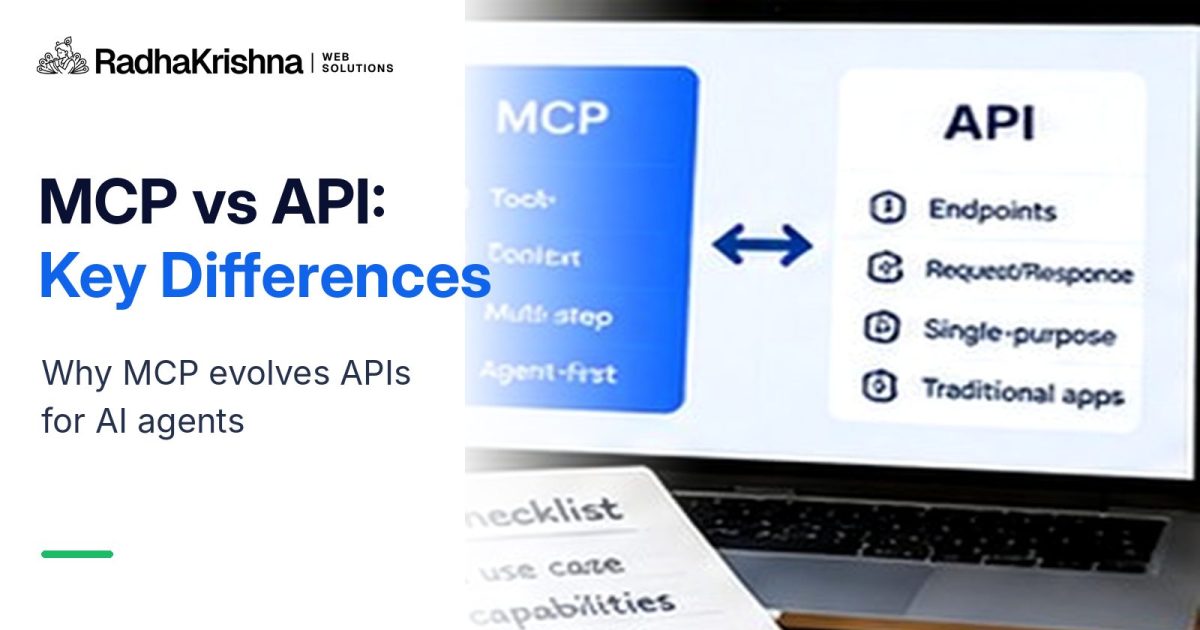
| Area | API | MCP |
|---|---|---|
| Primary purpose | Connect software systems and expose operations or data | Standardize how AI applications discover and use tools, resources, and prompts |
| Typical consumer | Applications and developer-written integrations | AI hosts, assistants, coding tools, and agents |
| Discovery | Usually based on documentation, SDKs, schemas, or custom integration code | Capabilities are exposed in a machine-readable MCP structure |
| Underlying execution | Often performs the real business operation directly | Frequently calls an API, database, or service behind the scenes |
| Best fit | App-to-app and service-to-service integrations | AI-to-tool and agent-to-system integrations |
| Replacement? | Still foundational | Usually complements APIs instead of replacing them |
A useful architecture is:
User → AI host/agent → MCP client → MCP server → existing API/service/database.
The API still handles the domain logic. MCP makes that capability easier for compatible AI systems to discover and invoke consistently.
How MCP works in simple terms
An MCP setup generally includes a host, a client, and a server.
1. Host
The host is the AI application the user interacts with. It could be an AI assistant, coding environment, desktop application, or custom agent platform.
2. Client
The MCP client manages the connection between the host and an MCP server. It negotiates capabilities and lets the host discover what the server provides.
3. Server
The MCP server exposes controlled capabilities to the AI client. For example, a CRM MCP server might expose tools such as find_customer, create_lead, and update_followup. Internally, those tools may simply call the CRM's normal API.
That separation is useful because the AI does not need to understand every vendor's API structure directly. The MCP server presents an AI-friendly, standardized interface while the underlying systems remain unchanged.
Real-world example: project management
Imagine your company already has a project management API with endpoints for creating tasks, assigning users, reading statuses, and updating deadlines.
Without MCP, each AI platform may need its own integration logic that understands your authentication method, endpoints, payloads, schemas, and errors.
With MCP, you can build one server that exposes carefully selected actions such as:
- list_projects
- get_task
- create_task
- assign_task
- update_task_status
The MCP server then calls the same project management API your existing applications already use. The API is still the engine. MCP becomes the standardized adapter for AI agents.
Why MCP is an evolution, not a replacement
There are several reasons APIs are not going away.
APIs still execute the core business logic
Payment processing, authentication, order creation, messaging, CRM updates, and internal services still need reliable application interfaces. MCP does not remove that infrastructure.
Traditional applications still need APIs
Your website, Android app, iOS app, partner integration, webhook consumer, and internal microservices are not suddenly going to switch to MCP for every interaction. REST, GraphQL, RPC, queues, and other patterns remain important.
MCP focuses on AI interoperability
MCP solves a more specific problem: how AI applications can discover and use external capabilities in a common format. It is especially useful when you want the same toolset to work across multiple compatible AI hosts.
MCP often sits on top of APIs
The most practical implementation for many teams is not to rebuild their backend. It is to wrap existing, well-tested APIs with an MCP server and expose only the operations an AI agent actually needs.
When should developers use APIs, MCP, or both?
Use an API when:
- You are building a normal web or mobile application.
- You need direct service-to-service communication.
- You control both sides of a fixed integration.
- You need a public developer platform for partners.
- You have deterministic workflows that do not need an AI agent.
Use MCP when:
- You want AI agents to discover and use your tools.
- You want one integration surface for several compatible AI clients.
- You want to expose contextual resources along with executable tools.
- You are building an agentic workflow that spans multiple systems.
- You want to separate AI-facing tool schemas from your internal API design.
Use both when:
This will be the most common architecture for existing businesses. Keep the API as the stable backend contract and add an MCP layer for AI access. That lets your traditional applications and AI agents share the same business logic without duplicating the underlying systems.
What developers should think about before exposing an API through MCP
MCP can make capabilities easier for an AI agent to use, but easier access also means permissions and boundaries need careful design.
- Expose narrow tools. Prefer a clear create_lead tool over a generic tool that can execute arbitrary backend requests.
- Keep authorization server-side. Never rely only on the model to decide whether an action is allowed.
- Separate read and write actions. Reading a record and deleting a record should not share the same risk level.
- Validate every argument. Treat model-generated tool arguments exactly like any other untrusted input.
- Add approval for consequential actions. Payments, deletions, account changes, publishing, and outbound communication may require a human confirmation step.
- Log tool activity. You need traceability when agents can modify business systems.
- Design for failure. APIs can time out, schemas can change, and agents can choose the wrong tool. Your integration should fail safely.
This is similar to any automation project: the strongest system is not the one with the most tools, but the one with the clearest permissions and predictable outcomes.
What MCP means for businesses
For businesses, the value is less about learning another technical acronym and more about creating reusable AI integrations. A company may already have APIs for CRM, support, inventory, reporting, content, or internal operations. MCP can turn selected capabilities from those systems into a standardized toolset that AI agents can use.
That can reduce the amount of platform-specific integration work when experimenting with new AI assistants or agent frameworks. It also encourages teams to think of their internal capabilities as controlled, reusable tools rather than one-off prompts.
If your business is still early with automation, start with the foundation first. Our guides on AI automation for small businesses and choosing the first workflow to automate are useful before adding an agent layer.
The future: APIs as the foundation, MCP as the AI interface
The most useful way to think about the relationship is not MCP versus APIs, but MCP with APIs.
APIs remain the foundation that software systems use to exchange data and perform operations. MCP adds a standardized AI-facing interface that helps agents understand which tools and resources exist and how to interact with them.
As AI agents become more capable, developers will still need strong APIs, clear schemas, authentication, observability, and business logic. MCP does not remove those engineering requirements. It makes them more reusable in an agent-driven world.
So, is MCP replacing APIs? No. It is evolving the way AI systems access them.
If your company already has APIs and you want to make selected business capabilities safely available to AI agents, contact RadhaKrishna Web Solutions. We can help map the right architecture, MCP server boundaries, authentication, and automation workflow without rebuilding systems that already work.
Frequently asked questions
Is MCP replacing APIs?
No. APIs still handle the underlying application and service communication. MCP standardizes how AI applications discover and use tools, resources, and services, and those MCP servers often call existing APIs behind the scenes.
What is the main difference between an API and MCP?
An API defines how software systems exchange data or perform actions. MCP defines a standardized way for AI applications to discover and interact with tools, resources, and prompts exposed by an MCP server.
Do I need MCP if I already have a REST API?
Not always. If your integration is only between traditional applications, your REST API may be enough. MCP becomes useful when you want multiple AI clients or agents to discover and use those capabilities through a consistent interface.
Can an MCP server wrap an existing API?
Yes. This is one of the most practical MCP patterns. The MCP server exposes selected tools or resources to AI clients while your existing REST, GraphQL, database, or internal service continues doing the underlying work.