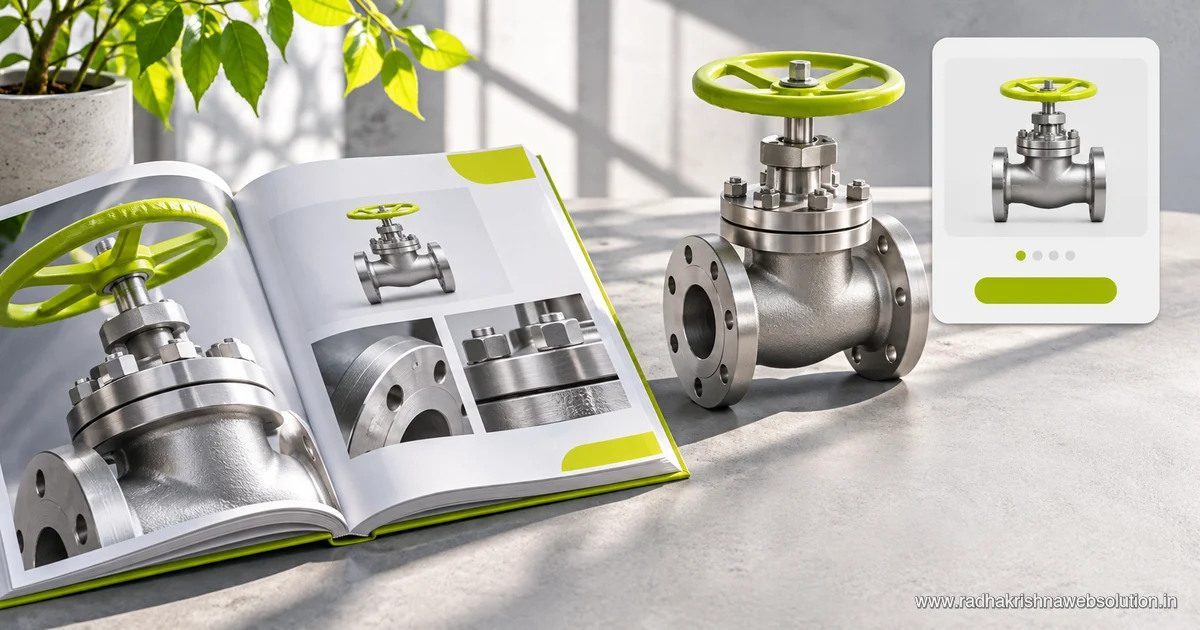
Use HTML pages for the information people need to find, compare and enquire about products. Keep a downloadable sheet when buyers need a portable copy or detailed specifications for procurement.
Pick a real product family
Start with one family and identify what buyers compare, such as size, material, fitting or compatibility. Give the family a clear page and make important variations visible. Create separate pages only when variants need distinct information and destinations.
Move key facts into the page
For a valve, show the model, connection type, materials and compatible sizes in readable text. Add a dimension drawing and an enquiry link next to the specifications. Keep numbers and units consistent with the underlying technical sheet.
Keep downloads current
Give each sheet a visible revision date or identifier where available. Decide who updates the page and file when a specification changes. Use link text that identifies what the download contains rather than repeating a generic button on every product.
Check the buyer’s path
Ask a colleague to find a product from the category page, confirm a key size on mobile and submit a sample enquiry. Measure whether they can complete the task from the HTML page without opening the PDF.
Pilot one entry before converting the whole file
For a hypothetical V12 valve, put the model name in the heading and organise the sizes and materials in a table. Give the primary image descriptive alt text. Add a drawing link and an enquiry action for that model. Check the same fields against the PDF and make one person responsible for approving future changes.
Read SEO for manufacturers for the discovery side of the catalogue. See our website development services for page templates and enquiry flow.