Invoice automation in India can prepare recurring invoices, send agreed reminders and record payment status through a defined workflow. Decide who approves invoices and handles errors before connecting live systems. Check tax and e-invoicing requirements with the relevant official guidance and your accountant, rather than assuming software alone establishes compliance.
Plenty of small businesses in India do not have an invoicing problem. They have a chasing problem. The bill goes out on time, the client says it is with accounts, and three weeks later someone on your team is scrolling through WhatsApp to find out what happened. Invoice automation for small business India is usually pitched as a time saver, and the bigger gain is cash arriving on the date you agreed.
This guide covers what is genuinely automatable in billing, what has to stay with a person, and where GST fits in. Our team builds this kind of billing and workflow automation for clients in Pune, Pimpri-Chinchwad and Vadodara, so the examples are the ones that come up most often. Nothing here is tax advice. Confirm every GST decision with your accountant.
Where your invoicing hours actually go
Owners usually estimate invoicing time by how long it takes to create one invoice. That is the smallest part. Creating a document from a template takes a few minutes. The cost sits in everything that happens after it.
Break the cycle into four blocks: creating, sending, chasing, and reconciling. Creating is fast if your customer data is clean and slow if it is not. Sending is fast until you need three copies going to three different email addresses. Chasing and reconciling are where the week disappears.
Chasing is unpaid work that feels productive. Someone checks the ageing report, drafts a soft reminder, waits, follows up on WhatsApp, then calls. Reconciling is worse because it is silent. Money lands in the bank as a UPI reference nobody recognises, and a person has to match it back to an invoice number by hand.
What can you automate in invoicing, and what should stay manual?
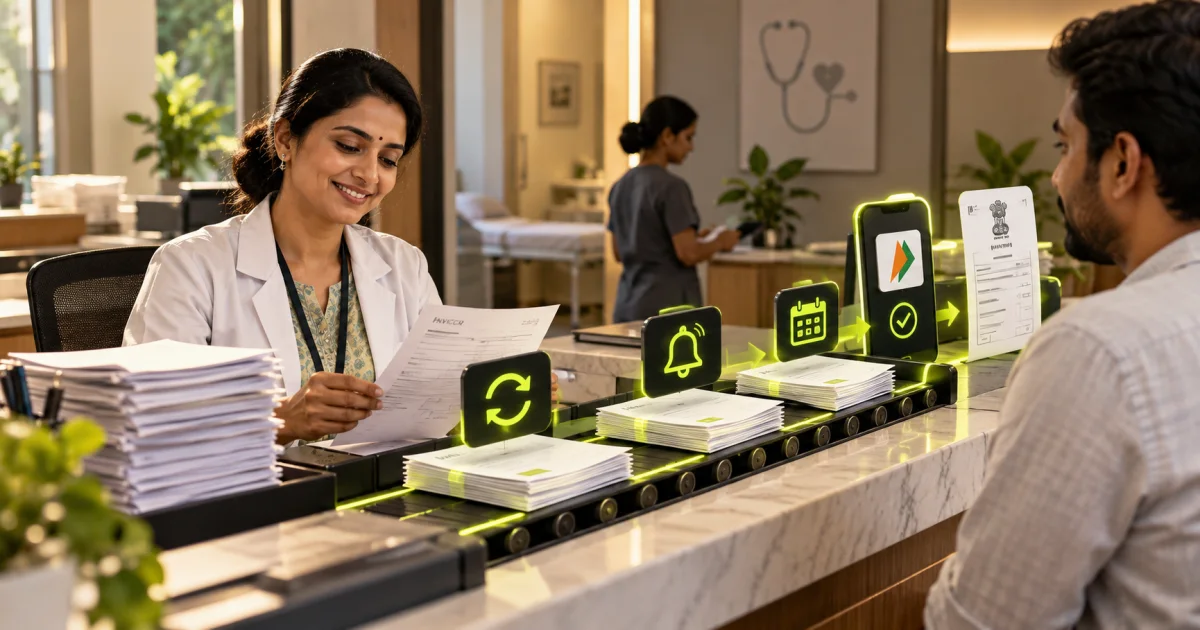
Automate anything that repeats without judgement: recurring invoices, payment links, receipt delivery, reminder sequences, and ledger sync. Keep judgement with a person: disputed amounts, discounts, scope changes, and any client relationship under strain. The rule is simple. Software handles the predictable path, and a human handles every exception.
Everything on this list runs without a decision once the rules are set:
- Recurring invoices for retainers, AMCs and subscriptions, generated and numbered on a fixed date
- Payment links inside the invoice, so UPI, cards and netbanking are one tap away
- Reminder sequences before and after the due date
- Receipts sent the moment the gateway confirms a payment
- Ledger sync, so paid invoices update your accounting software without re-entry
- An ageing report delivered to your inbox every Monday morning
What stays with a person is narrower but heavier. A client who disputes a line item needs a conversation, not a fourth reminder. A long-standing customer asking for extra time needs your judgement on the relationship. Good automation hands these cases to a human quickly and stops the reminder sequence while they are open.
Manual billing versus automated billing
The table below shows how a typical services or trading business in India spends its billing cycle before and after automation. The last column matters most. Automation does not remove people from billing; it moves them to the parts where judgement pays.
| Step | Manual today | Automated | Still needs a person |
|---|---|---|---|
| Creating the invoice | Copy last month's file, edit amounts, recheck GST fields | Generated from the contract or job record on a set date | Approving variable amounts and one-off charges |
| Sending | Attach PDF, email accounts, forward on WhatsApp | Delivered by email and WhatsApp with a payment link | Confirming the right contact when a company changes staff |
| Chasing | Ageing report, manual reminders, phone calls | Scheduled reminders that stop the moment payment lands | The call after the third reminder fails |
| Receipt and confirmation | Written when somebody remembers | Issued automatically on gateway confirmation | Nothing, once it has been tested |
| Reconciling | Matching bank credits to invoice numbers by hand | Settlement data mapped to invoices, exceptions flagged | Part payments, wrong references, and cash |
Recurring billing for retainers, AMCs and software services
Recurring billing is where automation pays back fastest, because the same invoice goes to the same client every period. Set it up according to how the fee is calculated:
| Billing model | Examples | How to automate it |
|---|---|---|
| Fixed monthly or quarterly fee | Marketing retainers, AMCs, rent, coaching fees | A recurring invoice on a fixed date with the payment link attached; the reminder sequence starts automatically |
| Usage-based fee | Software billed per user, per SMS or per transaction | Pull the usage figure from the system on a set date, generate a draft, and have a person approve it before it goes out |
| Annual renewal | Hosting, domains, licences, annual maintenance | A renewal notice 30 days ahead, the invoice 15 days ahead, and reminders up to the expiry date |
| Milestone billing | Website builds and software projects | An invoice triggered when a milestone is marked complete in your project tool, not on a calendar date |
For clients who agree to it, recurring payments can be collected automatically through UPI AutoPay or an e-mandate from their bank account or card, so nobody has to remember to pay. RBI rules on e-mandates require the customer to authorise the mandate, and higher-value debits may need extra authentication, so your payment gateway will guide the setup. Keep the reminder sequence for clients who prefer to pay manually.
Payment links, UPI and getting the money matched
A payment link inside the invoice removes the biggest excuse for delay. The client does not need bank details, an IFSC code, or your GSTIN to pay you. They tap, they pay by UPI or card, and the reference comes back attached to the invoice number.
That last part is the real prize. When a gateway such as Razorpay carries your invoice reference through to settlement, reconciliation becomes a match instead of a hunt. Cash and plain bank transfers still need manual matching, so expect a residue of exceptions every month.
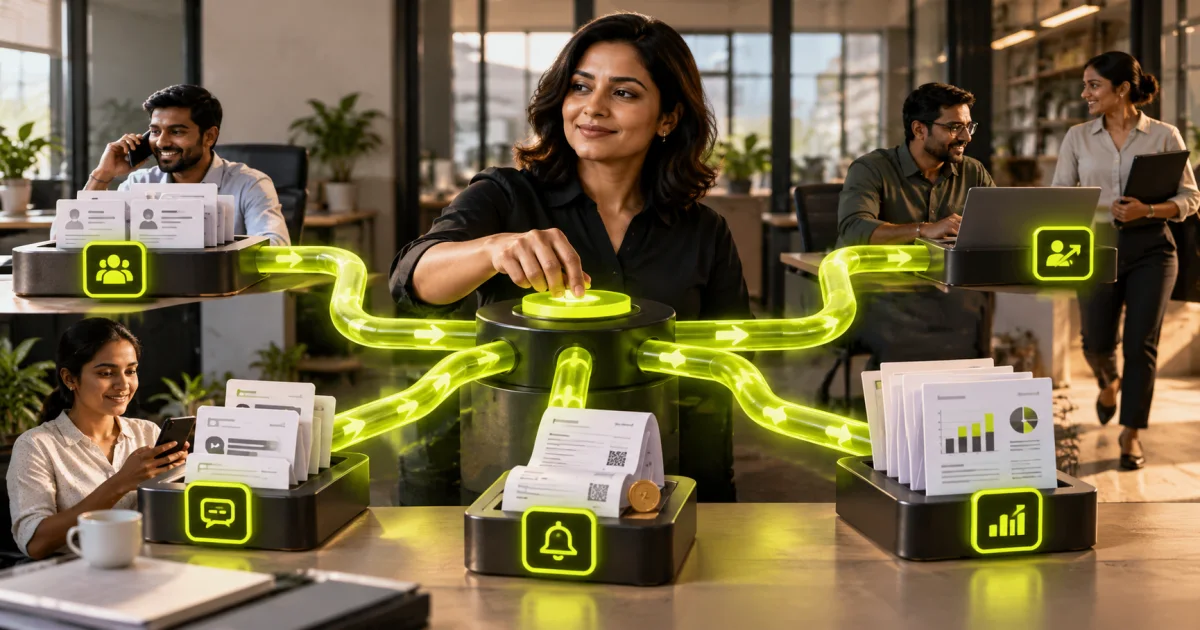
Sync is what turns this into one system. Your invoicing tool, your payment gateway and your accounting ledger have to talk, either through native integrations or a workflow tool sitting between them. Small teams often start with native connectors and move to something like n8n running on their own server when the logic gets specific. If those connections touch your servers or internal systems, treat it as an infrastructure and support decision as well.
How do you handle GST in an automated billing system?
Treat GST as data your system must carry correctly, not as logic you invent. Your invoicing tool needs the right GSTIN, place of supply, HSN or SAC code, and tax split on every document. Automate the fields and the numbering. Leave classification, rate decisions, and return filing to your accountant.
Practical points that save arguments later: your invoice series must be sequential and unbroken, credit notes need to reference the original invoice, and customer GSTINs belong on the customer record rather than being typed each time. Automation multiplies whatever is in your master data. A wrong GSTIN saved once becomes a wrong GSTIN on twelve invoices.
E-invoicing: businesses above the turnover threshold set under GST must generate e-invoices, which means each B2B invoice is registered on the government's Invoice Registration Portal and receives an IRN and QR code. The threshold has been lowered several times, so ask your accountant whether it applies to you. If it does, choose an invoicing tool that generates the IRN as part of creating the invoice, so automation does not send out invoices that are not yet valid.
Decide early who owns the tax logic. In most small businesses the accountant sets the rules and the system executes them. If your CA files returns from specific software, choose an invoicing tool that exports cleanly into it. Ask before you buy, not after.
Reminder sequences that stay polite
A reminder sequence is a business relationship running on autopilot, so the tone has to be right. Write reminders the way you would write them yourself on a good day. Short, factual, no threats, no capital letters.
A reasonable starting cadence for Indian B2B billing looks like this:
- Three days before the due date: a gentle heads-up with the invoice and payment link
- On the due date: a short note confirming the amount and the link
- Seven days after: a firmer reminder that copies the accounts contact
- Fifteen days after: stop the automation and have a person call
Reminder messages you can copy
Adapt these to your own tone. Keep each one short, include the invoice number, amount and link, and make it easy to reply to a person.
Three days before the due date: Hello [Name], a quick note that invoice [Number] for Rs [Amount] is due on [Date]. You can pay by UPI, card or netbanking here: [link]. Thank you, [Your name], [Business name].
On the due date: Hello [Name], invoice [Number] for Rs [Amount] is due today. Payment link: [link]. If it has already been paid, please ignore this message.
Seven days after the due date: Hello [Name], invoice [Number] for Rs [Amount] is now seven days overdue. Could you let us know when we can expect payment, or reply here if anything on the invoice needs correcting? Payment link: [link].
After the third message, the sequence should stop and a person should call. By then a reminder is unlikely to help; a conversation usually will.
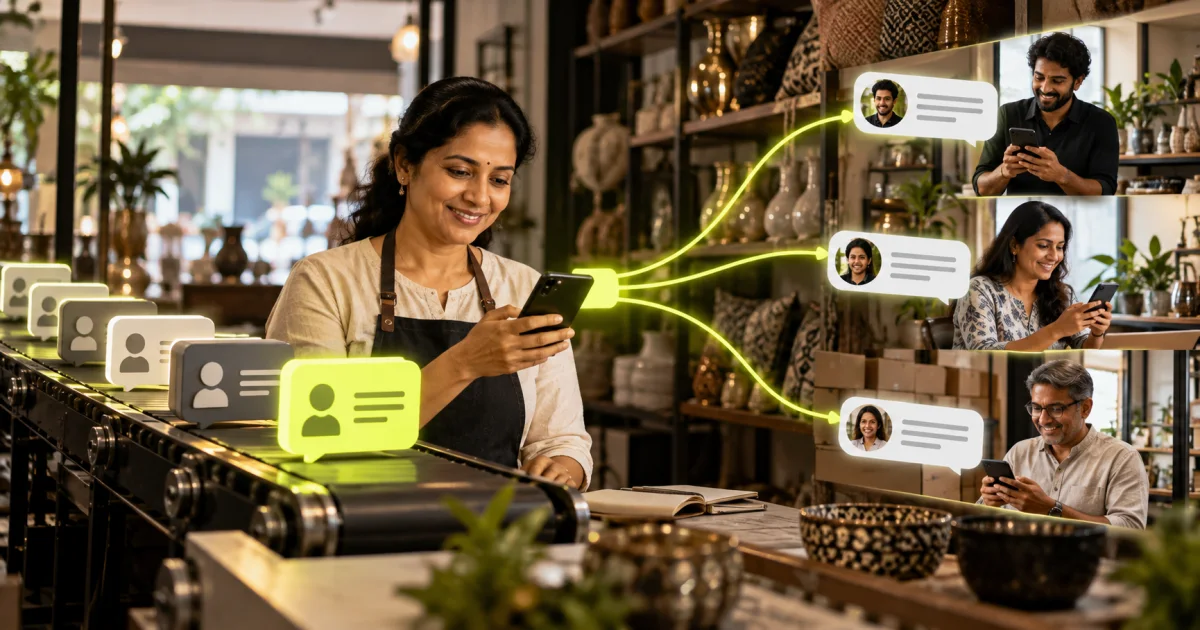
Three rules keep this from damaging goodwill. Every sequence stops instantly when payment is received, including a part payment. Every message gives the client an easy way to reply to a human, and any reply pauses the sequence and creates a task for your team. The same logic applies to automated follow-up for new enquiries, where a badly timed message costs you a sale rather than a payment.
Channel matters too. Email is the record, WhatsApp is where people actually respond, and the two work best together. WhatsApp Business has its own template and consent rules, so read up on how WhatsApp Business messaging works in India before you route reminders there. If you want a second opinion on your cadence before switching it on, send us your current billing flow and we will tell you where it is likely to break.
How do you set up invoice automation for small business India?
Start with one billing cycle, not the whole finance function. Clean your customer master data, pick a tool that issues GST-compliant invoices, connect a payment gateway, then add reminders. Test on a small set of live customers for one month before you switch everything over. Fix what breaks first.
- Clean the customer master: legal name, GSTIN, billing address, place of supply, accounts contact, payment terms.
- Fix the invoice format on paper first. Numbering series, line item structure, tax split, due date rules.
- Choose the invoicing tool, then the gateway, then the glue between them and your ledger.
- Build recurring invoices for your steady customers only. Leave one-off billing manual for now.
- Write the reminder copy yourself and get it approved before anything is scheduled.
- Run one full cycle in parallel with your existing process and compare the two.
- Switch over, then review the exception list every week for the first month.
That sequence mirrors how our projects run: Connect, Build, Launch, Optimise, with weekly checkpoints so nothing goes live unseen. If you have never automated anything before, do not begin with billing across every customer. Pick one workflow and finish it so your team learns the pattern on something small.
Automation costs depend on the workflow, systems, data quality and support required. Request a scoped automation assessment covering implementation, testing, monitoring and ongoing ownership. Confirm third-party subscriptions separately; an illustrative budget band is not a published package price.
Three failures show up repeatedly. Dirty customer data producing wrong invoices at scale, reminders that keep firing after payment has landed, and nobody owning the exception list. All three are process problems wearing a software costume.
Frequently asked questions
Will invoice automation work if my clients pay by cheque or bank transfer?
Yes, with a gap. Creation, sending, reminders and receipts all automate normally. Reconciliation is the part that stays partly manual, because a cheque or a plain NEFT credit carries no invoice reference. Most teams automate everything else and keep one short weekly session to match those payments by hand.
Do I need custom software, or is an off-the-shelf invoicing tool enough?
Start with off-the-shelf. Standard tools cover GST invoicing, recurring billing, payment links and basic reminders, which is often all a small business needs. Custom work earns its place when you have unusual billing logic, high transaction volumes, or systems that must talk to an ERP, machinery or a field app.
How much does invoice automation cost in India?
Software subscriptions and gateway charges are ongoing and vendor-specific, so check current pricing on each vendor's page before you commit. The build cost depends on how many systems must connect and how messy the existing data is. Simple setups sit in the lowest budget band and multi-system integrations move up from there.
Can automated reminders damage client relationships?
They can, if you let software chase a dispute. Set the sequence to stop on any reply, any part payment, and any flag your team raises. Keep the tone identical to your own writing. Make sure a real person calls before a relationship reaches a fourth reminder.
Can I automate reminders for recurring billing?
Yes. Most invoicing tools let you attach a reminder sequence to recurring invoices, so each period's invoice goes out on a set date and reminders follow before and after the due date. The sequence should stop automatically when payment is received.
Does invoice automation work for GST e-invoicing?
It can. If your business is above the e-invoicing threshold, use a tool that registers each B2B invoice on the Invoice Registration Portal and adds the IRN and QR code before sending. Confirm with your accountant whether e-invoicing applies to you.
Where to start this month
Pick your ten most predictable customers. Put them on recurring invoices with payment links and a three-step reminder sequence, and leave everything else exactly as it is. One cycle later you will know how much of your billing week was process and how much was judgement.
If you want the full billing cycle mapped and built properly, including GST fields, gateway setup and ledger sync, tell us how you bill today. We reply within one business day with a scope, a realistic timeline, and an honest note on which parts of your billing should stay with a person.
Two natural next steps after invoicing: connecting the books with Tally integration and automation, and the people side with HR leave and attendance automation.