WhatsApp CRM integration connects customer conversations with lead records, ownership and follow-up tasks. Define how contacts are matched, what information may be stored and when a person takes over. Use supported integrations and appropriate messaging permissions, then test duplicates, failed handoffs and opt-outs before rolling the workflow out.
For a large share of Indian small businesses, the first real conversation with a prospective customer happens on WhatsApp, not through a contact form. Yet most CRM setups are built around forms and email, so the channel doing the most actual selling is often the one with no record in the system at all. This builds on our guides to WhatsApp automation and choosing a CRM over a spreadsheet; this one is specifically about connecting the two.
Why this gap costs more than it looks like
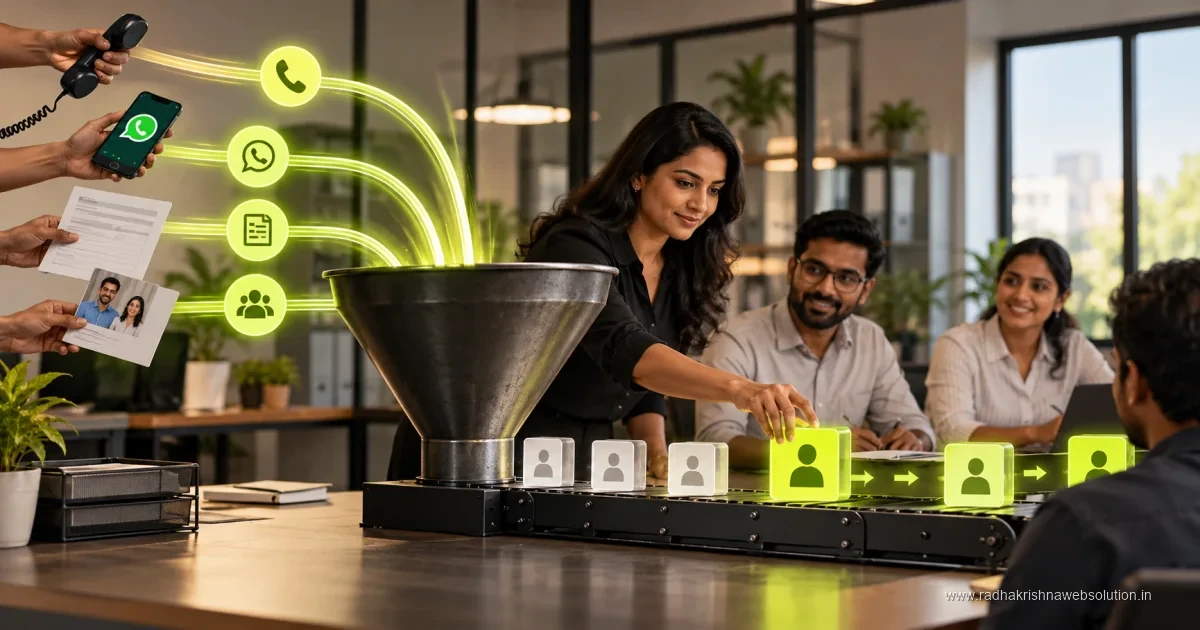
A lead that starts on WhatsApp and never enters the CRM is invisible to reporting, invisible to follow-up reminders, and dependent entirely on the one person who has that phone open remembering to chase it. When that person is busy, on leave, or the conversation happened after hours, the lead sits with no owner and no next step - which is exactly the failure a CRM exists to prevent everywhere else.
The three ways to connect WhatsApp to a CRM
| Method | Best for | Effort |
|---|---|---|
| WhatsApp Business API + CRM native integration | Businesses with meaningful lead volume and an existing CRM that supports it | Moderate - usually a guided setup, not custom code |
| Automation platform (n8n, Zapier, Make) as the bridge | Businesses whose CRM lacks a native WhatsApp connector | Low to moderate - a single workflow handles most cases |
| Manual logging with a forced routine | Very low volume, one or two people handling all chats | Low effort, but relies entirely on discipline, not the system |
Most small businesses with real lead volume outgrow the manual option within a few months - not because the routine is hard, but because it depends on nobody skipping it, which eventually someone does.
What a working setup should actually do
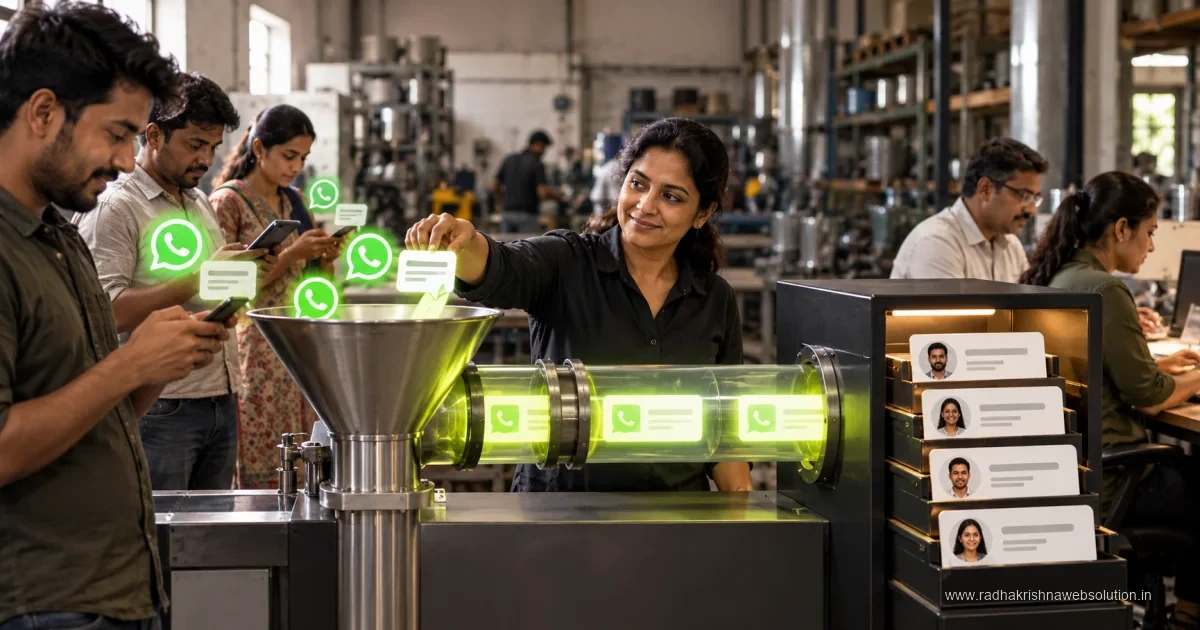
- A new WhatsApp conversation from an unrecognised number creates a lead record automatically, rather than waiting for someone to add it manually.
- The lead gets assigned to an owner using the same rules as any other channel - not treated as a special case because it came from WhatsApp.
- Key details from the conversation (service interest, urgency, any commitment made) get logged as notes on the record, not left buried in chat history.
- A stalled WhatsApp lead triggers the same follow-up reminder a stalled email lead would - see our guide on automating lead follow-up for the reminder logic itself.
Consent and message rules matter here more than on other channels
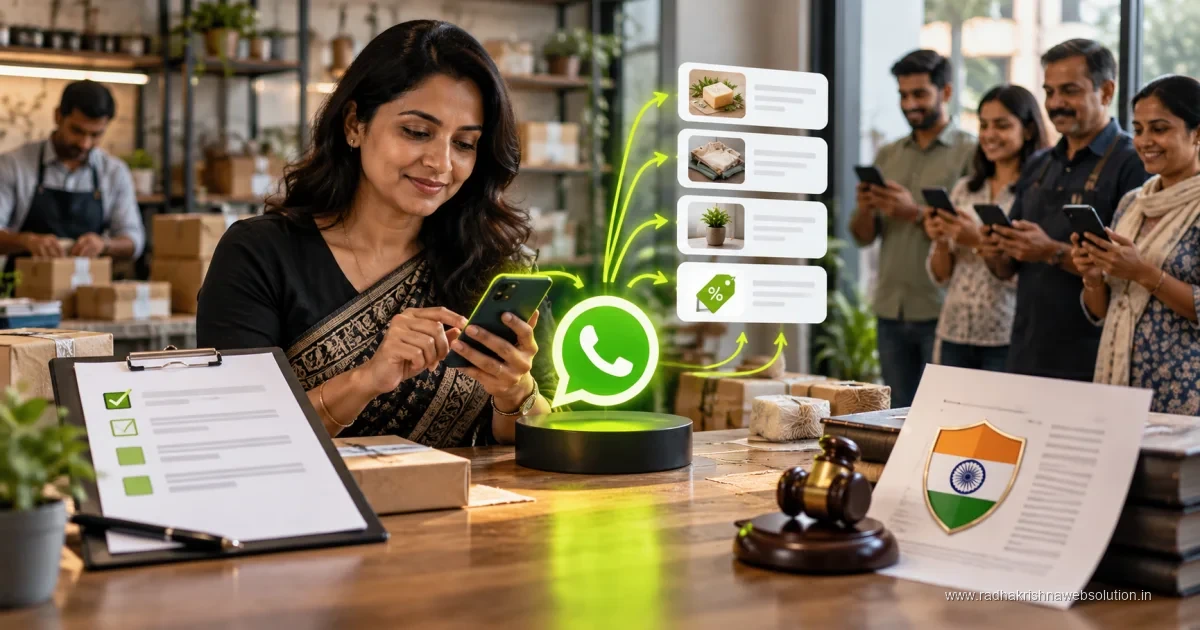
WhatsApp Business API has specific rules around template messages, opt-in, and the 24-hour customer service window that do not apply the same way to email or forms. Any automation built on top of WhatsApp needs to respect these - an automated follow-up sent outside the allowed window through the wrong message type can get a business number flagged or restricted. This is one integration worth getting a specialist to set up once, rather than improvising.
A realistic first build
Do not attempt to automate every possible WhatsApp scenario on day one. Start narrow: capture new conversations into the CRM as leads, assign an owner, and set a single follow-up reminder rule. Once that is running reliably for a few weeks, expand into richer logging or more advanced routing. A narrow, reliable first version beats an ambitious one that breaks under real message volume.
What does WhatsApp-CRM integration cost in Rs and how long does it take?
A narrow first build — new WhatsApp conversations creating CRM leads with owner assignment and one follow-up reminder — is usually a modest one-time project for a small business, plus the ongoing CRM subscription and per-message API charges from the provider. As a rough guide, many Indian SMBs spend somewhere in the low tens of thousands of rupees for this first version when done by a partner, with richer routing and template workflows adding to that only when volumes justify it. Timelines are short: account approval and number setup often take a few days to a couple of weeks, and the capture-and-assign workflow itself can usually be built and tested within one to two weeks once approvals are in place.
Keep the ongoing messaging budget separate in your head from the setup cost. Utility and service updates that customers asked for are treated very differently from promotions, both in pricing and in customer patience. A clinic in Pune sending appointment confirmations and a Vadodara coaching class sending fee reminders, for example, will both find service messaging far easier to sustain than broadcast offers. If you plan promotional broadcasts at all, read our notes on WhatsApp broadcast rules in India before promising anything to management.
Common mistakes that get numbers flagged or leads lost
The costliest mistake is treating WhatsApp like email and pushing bulk promotional messages to old numbers without fresh consent. Under DPDP expectations and WhatsApp's own policies, business messaging needs clear opt-in, a simple opt-out, and message types matched to the situation — service updates for service situations, templates where required, and no improvisation outside the customer service window. Numbers that ignore this get restricted, and regaining trust after a restriction takes far longer than the campaign was ever worth.
- Connecting personal staff numbers to automation instead of a proper business number the company controls.
- Logging chats in personal phones with no CRM record, so ownership and history leave with the employee.
- Skipping source and consent tagging, so nobody knows who agreed to what kind of update.
- Automating the reply itself rather than just capture and routing, making conversations feel robotic.
A cleaner rule is simple: automation should capture, assign, and remind, while people should talk. Prioritise hot enquiries with simple lead scoring once capture is reliable, rather than trying to score chats from day one.
A simple timeline from trial to full rollout
Start with one WhatsApp number and one CRM pipeline for two to three weeks. Connect only new conversations, assign owners by your existing rules, and review daily whether records are being created correctly. In weeks three to six, add structured note-taking habits and a single stalled-lead reminder, aligned with the stages in our sales pipeline stages guide. Only after that should you add template follow-ups, working-hour replies, or routing by service interest.
This phased approach suits how small teams actually learn. A Vadodara retailer with two people on the shop phone, for instance, can stabilise capture during regular hours before worrying about after-hours auto-replies. A Pune services team with higher volume can add round-robin assignment in the second phase once the basic flow holds. Each phase should run long enough that the team trusts it before the next layer arrives.
How Pune and Vadodara SMBs measure ROI from this integration
The return shows up first as fewer lost conversations. Owners who previously discovered missed chats at month-end can now see open WhatsApp leads with no next action every evening. Over a quarter or two, that visibility typically converts into faster first responses and steadier follow-up on quotations shared over chat — the exact place where many deals previously went quiet without a recorded reason.
A Pune home-services business, for example, may find its main gain is that site-visit requests from WhatsApp stop depending on one person's memory. A Vadodara distributor may find the win is knowing which product enquiries came from chat versus phone, so repeat questions get proper answers instead of repeated asking. Neither needs heavy analytics: count of captured chats, response time discipline, and quotation follow-up completion, reviewed weekly with consent records kept tidy, tell you whether the integration is earning its keep.
Frequently asked questions
Do I need the official WhatsApp Business API, or is the regular Business App enough?
The regular WhatsApp Business App works for low volume with manual logging. Real CRM automation - auto-capturing leads, triggering workflows - generally requires the Business API, which has its own approval and setup process.
Is this expensive to set up for a small business?
Setup cost varies by CRM and volume, but a narrow first version - capture and assignment only - is usually a modest, one-time project rather than an ongoing engineering cost.
Will customers notice or mind that WhatsApp is now "automated"?
Not if it is done correctly. The automation should capture and route the conversation in the background; the customer still talks to a real person, just one who now has the full context and a system reminding them to follow up.
Stop losing leads to a chat window
Talk to us about connecting WhatsApp to your CRM properly, within the platform's rules, so your busiest channel stops running on memory alone.