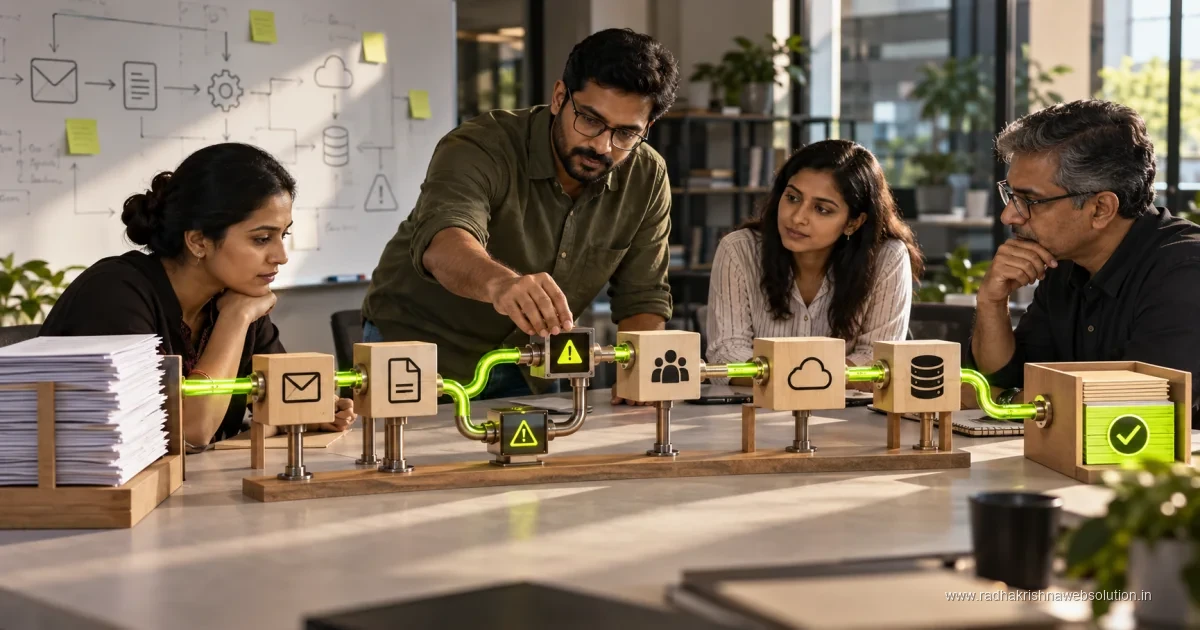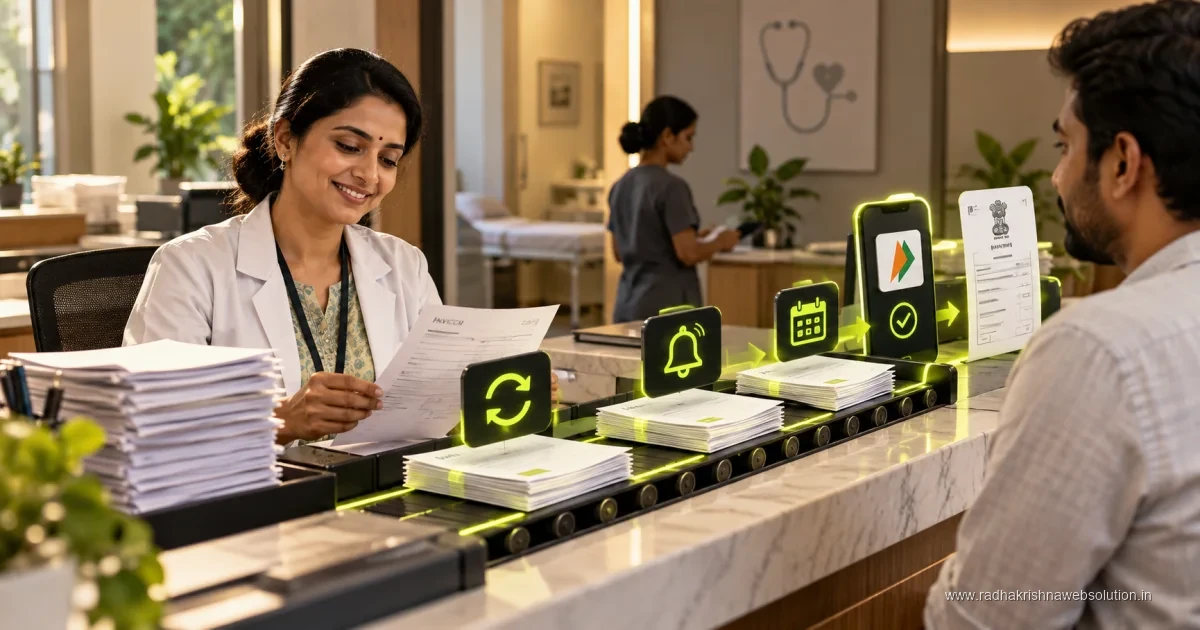
Email automation workflows send messages in response to a defined event, such as an enquiry, appointment or account action. Start with a clear trigger, useful content and an exception path. Check authentication, delivery, duplicates and replies, and distinguish operational messages from promotional campaigns with their separate permission requirements.
There is a meaningful difference between email marketing - the newsletters and offers covered in our email marketing guide - and email automation, which is about the operational messages a business sends every day regardless of any campaign. Booking confirmations, follow-up reminders, and status updates are where automation saves the most real time, because they are repetitive, predictable, and do not need a human touch each time. This connects to the broader picture in workflow automations that save 10+ hours a week.
The four workflows worth automating first
| Workflow | Trigger | Why it is worth automating |
|---|---|---|
| Enquiry acknowledgement | New form submission or booking | Confirms receipt instantly, before a human even sees it |
| Follow-up reminder | No response after X days | Prevents leads going cold from being forgotten, not from being rejected |
| Appointment or delivery reminder | 24-48 hours before a scheduled event | Reduces no-shows without anyone needing to remember to send it |
| Post-service follow-up | After a job or project is marked complete | Opens the door for a review request or repeat business consistently |
What should never be fully automated
Anything involving a complaint, a genuinely unusual request, or a high-value decision should route to a human, not a templated automated reply. An automated response to a frustrated customer reads as dismissive even when the wording is polite, because the customer can tell it was not written for their specific situation. The rule that holds up well: automate the predictable and routine, and make sure anything that falls outside the expected pattern gets flagged to a person quickly rather than silently auto-replied to.
Building the first workflow without overengineering it
- Pick one workflow - the enquiry acknowledgement is usually the easiest starting point - rather than trying to build all four simultaneously.
- Write the email template in plain language a real team member would use, not something that reads as obviously templated.
- Set the trigger condition clearly: which form, which status change, exactly what starts the automation.
- Test it with a real submission before relying on it, and check what happens on edge cases - a duplicate submission, a form filled with incomplete data.
- Only add the next workflow once the first one has run reliably for a couple of weeks.
Keeping automated emails from sounding automated
The most common mistake is writing automated emails in an obviously robotic tone, which undermines the trust the automation was supposed to build. Write them the way a helpful team member actually would, include a real name and contact detail rather than a "no-reply" address wherever a response might genuinely be wanted, and avoid over-explaining that the email was automated - most customers do not need to be told, and pointing it out makes the interaction feel more mechanical, not less.
Where this connects to lead follow-up specifically
The follow-up reminder workflow above is the same category of automation covered in more depth in how to automate lead follow-up without sounding like a robot - that guide covers the tone and timing rules in more detail than fits here.
How much time and budget to plan for your first email workflows
For a small business in Pune or PCMC, the first email workflows are usually light on budget and heavier on clear thinking. If you already use a CRM or email tool, enquiry acknowledgement and follow-up reminders can often be set up within your current system without new software. What takes time is writing good templates, deciding the trigger rules, and testing edge cases like duplicate forms or incomplete numbers. As a broad guide, many small teams complete one or two workflows with professional help in the range of Rs 15,000 to Rs 40,000 for setup, depending on how many systems need connecting and how much old data needs cleaning. For current tool pricing, check vendor sites directly, as plans and limits change often.
Start with the business process view before the email view. Our guide on how to choose your first workflow for business process automation explains how to pick a frequent, low-risk process with one owner. Email acknowledgement is often ideal because the trigger is clear and the volume is steady. Keep a simple tracker in Google Sheets automation for small business style during the first month: date, trigger, sent, opened, replied, and exception. This sheet becomes your evidence for what to improve next.
A simple three-week rollout timeline that avoids disruption
Week one is for definition. List which form or status change starts the workflow, who owns replies, and what happens when data is missing. Write the template in the voice your team actually uses on phone and WhatsApp, with a real sender name and a working reply address. For messaging that goes beyond email, take explicit consent for different purposes and keep transactional updates separate from promotions, in line with DPDP guidance. Week two is for building and internal testing. Submit test enquiries with correct, duplicate, and incomplete details, and confirm that each path behaves sensibly.
Week three is for supervised live running. Switch on the workflow for real enquiries but review the log daily for a fortnight. Check that acknowledgements go within a few minutes, follow-ups wait for the agreed gap, and unusual requests reach a person quickly. Do not add a second workflow until the first has run cleanly for two to three weeks. This pause gives you time to refine subject lines, opening lines, and call-to-action wording based on real replies rather than assumptions.
Common mistakes that make automated emails feel cold or get ignored
The first mistake is writing like a system instead of a person. Long subject lines, generic greetings, and no-reply addresses signal that no one is listening. Use the sender name customers know, greet by name only where data is reliable, and close with a real phone number. The second mistake is over-automating. A complaint, a price negotiation, or an unusual request should pause automation and alert a team member. Sending a cheerful follow-up to a frustrated customer damages trust quickly.
The third mistake is poor timing and frequency. Daily nudges annoy busy owners, while a single reminder after a month arrives too late. For most small businesses in India, one acknowledgement immediately, one helpful follow-up after two to three working days, and one closing note after a week is a sensible starting rhythm. Adjust based on your sales cycle: a clinic or salon may need shorter gaps, while a project business may need longer ones. The fourth mistake is neglecting list hygiene and consent. Remove bounced addresses, honour unsubscribe and opt-out requests promptly, and keep promotion and service messages on separate consent tracks. Clean, consented lists protect deliverability far better than clever wording.
How to measure whether your email workflows are working
Keep measurement simple for the first two months. Track acknowledgement speed, follow-up completion rate, and reply or booking rate from automated mails. Compare with the earlier manual period using the same definitions. If reminders were often forgotten earlier, completion rate alone will show clear improvement. Also track exceptions: how many mails needed manual correction, how many bounced, and how many raised a complaint. A healthy workflow has steady sends, few failures, and a growing share of positive replies.
Review these numbers fortnightly with the workflow owner and make one improvement at a time. Shorten the subject line, clarify the next step, or adjust the waiting period, then observe for two weeks. Once the first workflow is stable, add the next one using the same discipline. If you need help mapping triggers, templates, and CRM connections, explore our automation services for a short pilot that fits a small team in Pune, PCMC, or Vadodara.
Frequently asked questions
Will automated emails hurt deliverability compared to manually sent ones?
Not inherently - deliverability depends on sender reputation, authentication setup, and list quality, not whether a specific email was triggered automatically or sent by hand.
How many automated workflows should a small business run at once?
Start with one or two and confirm they work reliably before adding more. A handful of well-tested, well-written workflows outperforms a dozen half-configured ones nobody has reviewed recently.
Do I need special software, or can this run through a normal email provider?
Most CRM platforms and many email marketing tools include basic automation triggers. A dedicated automation platform becomes worth it once you need to connect multiple systems together, not for a single simple workflow.
Automate the routine, keep the judgement calls human
Talk to us about which of your daily emails are worth automating first, and which genuinely need a person behind them.