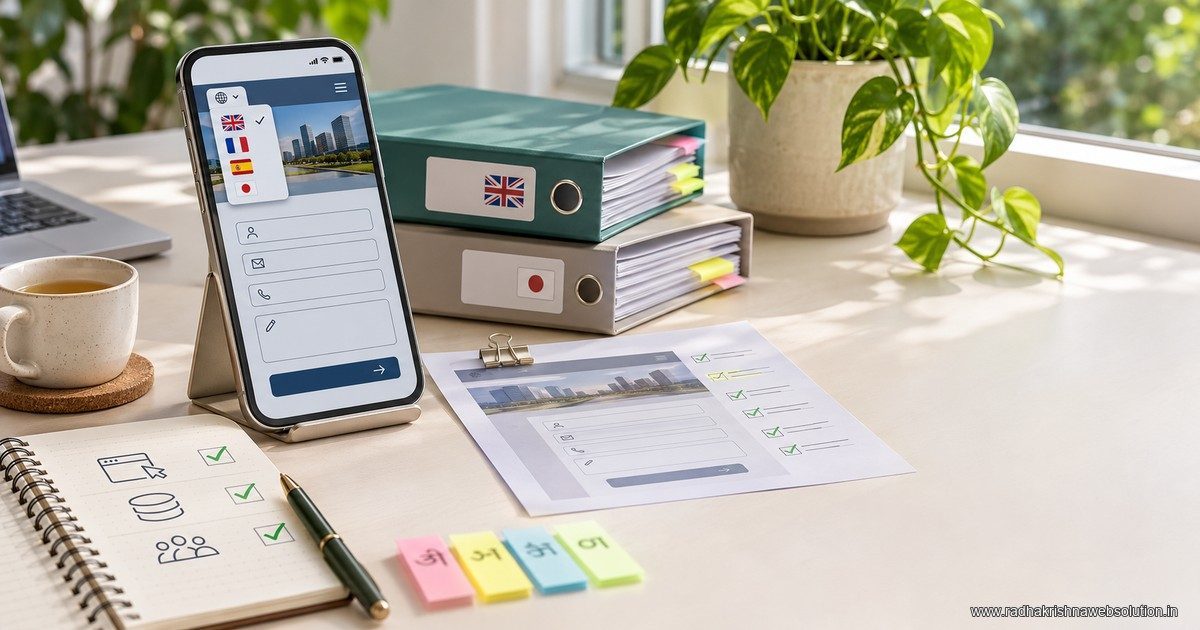
A multilingual website testing checklist should verify the complete customer task in each language. Check meaning, factual details, navigation, forms, confirmation messages and the team's ability to respond. Language annotations help search engines understand alternate pages; they do not prove that the translated customer journey works.
Start with a test matrix, not a page count
The useful unit of testing is a task such as asking for a quotation or finding delivery information. A site with translated headings can still send customers to an English-only form, an old price list or an inbox nobody monitors.
Choose the pages that carry important decisions and record the steps a visitor takes. For an illustrative business serving Pune and Vadodara, that might include a Marathi service page, a Gujarati product page and the enquiries they generate. These are test scenarios, not claims about an RKWS client.
Use the downloadable multilingual QA matrix as a working sheet. It contains test IDs, expected outcomes, evidence and an approval field. Make a copy for each language and release rather than recording a single “translations checked” status.
Separate language review from factual review
A suitable language reviewer checks whether the copy means what the business intends. The service owner checks prices, specifications, eligibility and responsibilities. One person may perform both roles, but the two decisions should remain explicit.
| Review | Question | Evidence |
|---|---|---|
| Meaning | Does the sentence communicate the intended offer? | Reviewer note tied to the page |
| Terminology | Are product names and technical terms understandable? | Approved terminology list |
| Facts | Do prices, units and conditions match the source? | Comparison with the approved information |
| Journey | Can a visitor complete the task? | Controlled test and destination result |
Do not invent a “pure language” rule for every audience. A customer may recognise an English product term within a regional-language sentence. Ask the reviewer to judge clarity in context. The vernacular content guide explains that earlier strategy decision.
Run the multilingual website testing checklist on a phone
Use the intended language page at a realistic mobile width. Read the page rather than inspecting only its source. Longer translated labels can change button wrapping and form layout.
- Open the page through the normal navigation.
- Check that the language choice leads to the equivalent task or an honest fallback.
- Follow the main call to action.
- Submit a controlled test enquiry and verify the destination.
- Try missing and invalid fields to inspect the error messages.
- Check the confirmation and the information passed to the receiving team.
Include linked downloads and messages. A translated product page pointing to a contradictory specification sheet is still a failed journey. Check the website handover guide when assigning responsibility for maintaining those files.
Inspect language signals without promising rankings
Google's localized-page documentation describes how alternate language versions can be indicated. Review the implementation against the actual published URLs and return annotations, not an outdated spreadsheet.
Check whether pages are publicly reachable, have appropriate titles and use the intended canonical. Then verify the language annotations with the developer. A correct annotation is a technical signal; it is not evidence that Google has indexed or ranked the page.
The Marathi and Hindi website guide covers planning and structure. This checklist addresses release acceptance after that structure exists.
Test the person receiving the enquiry
Ask what happens when a message arrives in the language used on the page. The team needs enough context to respond, including the service requested and the source page. Avoid collecting extra personal information merely to make a report look detailed.
If routing depends on language or service, test an unavailable owner and the fallback queue. A working form that drops the request into an unattended inbox has not passed. The enquiry-routing guide can help define that handoff.
Keep translated versions current after launch
Record which event triggers a review: a price change, new service condition, document replacement or form update. Give the owner a list of affected versions. Mark a page for correction when its facts change; do not assume that translating it once creates a permanent asset.
Keep the evidence small enough to use: page URL, language, test date, result, reviewer and unresolved issue. Where a test is blocked, record the reason and responsible person rather than converting it into a pass.
Frequently asked questions
Is automated translation checking enough?
It can help find inconsistencies, but it does not establish that the copy is appropriate or that the enquiry reaches the right person. Use language and workflow review together.
Must every translated page have identical wording?
The factual offer should agree, while the explanation can be adapted for the audience. Document intentional differences so reviewers can distinguish localisation from an error.
Can we launch with a form in another language?
Make that limitation clear and test whether the intended audience can use it. Do not describe the journey as fully localised when required steps remain inaccessible.
Release with evidence
Use the CSV matrix to record an actual pass, failure or blocker for each task. RKWS can help scope website development and marketing content around a manageable language rollout, with maintenance responsibilities agreed in advance.