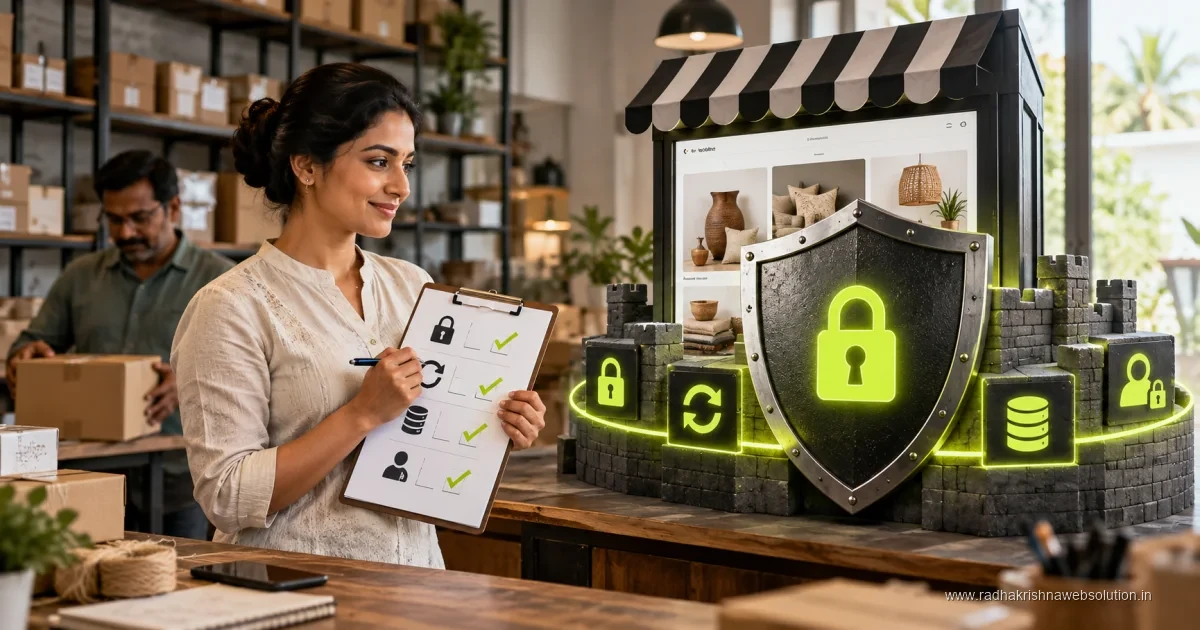
A website security checklist should cover software updates, access controls, backups, recovery, monitoring and the forms or integrations that handle customer information. Start by identifying the systems and people responsible. Verify that backups restore successfully and that changes protect the live website rather than only a development copy.
For a current PHP security review, start with the PHP2Shell risks and affected-version guide. If a website may already be compromised, use the incident response and recovery checklist before treating an upgrade as a complete recovery.
Small business websites in Pune, PCMC and Vadodara are often targeted simply because they are easy to hack, not because they are famous. A hacked site can show wrong content, lose enquiries or get blocked by browsers. Use this practical checklist along with our guides on website maintenance and website speed optimisation to keep your site safe.
Secure the Basics: SSL, Hosting and Domain Control
Start with the foundation. Your site should load on HTTPS with a valid SSL certificate so that enquiry forms and logins are encrypted. Most good hosts in India now offer free SSL, but you must ensure it is installed correctly and renews on time. Keep your domain in your own account with your own email and phone number, not only with a vendor. This avoids problems if you change agencies later.
Choose reliable hosting with regular server updates, malware scanning and daily backups. Shared hosting is fine for a small brochure site under Rs 50k, but ensure the provider offers isolation between accounts, firewall protection and support in Indian time zones. Ask your developer where the server is located, how often backups run, and how quickly the site can be restored. Our website development team sets up these basics for every SMB project before launch.
Keep Everything Updated and Remove What You Do Not Use
Most small business sites run on WordPress or similar platforms where themes, plugins and core files need regular updates. Outdated software is the most common entry point for attackers. Set a monthly routine to update core, themes and plugins after taking a backup. Remove unused themes and plugins instead of just deactivating them, as old code can still be misused.
- Update WordPress core, theme and plugins every month after a full backup.
- Delete inactive themes and plugins and avoid nulled or pirated extensions.
- Use only well supported plugins with recent updates and good reviews.
- Check your contact forms, maps and payment pages after every major update.
- Keep a simple log of what was updated and when for future reference.
If your site was built years ago and updates keep breaking the layout, it may be time to review our website redesign checklist and plan a clean rebuild within a 6-12 weeks timeline rather than patching an unsafe site. To decide whether you are at that point, see the 10 signs your old website needs a redesign.
Strong Logins, User Roles and Two Step Verification
Weak passwords and shared admin logins are still very common among SMBs. Create separate user accounts for each person and give only the access they need. For example, a content writer needs editor access, not full admin rights. Use long unique passwords stored in a password manager, and enable two step verification for admin accounts wherever possible.
Avoid usernames like admin and limit login attempts to block repeated guessing. Change passwords when staff leave, and review the user list every quarter. If you work with an agency in Pune or Vadodara, ask them to use their own editor accounts instead of sharing your main admin login. This small habit makes it easy to track changes and remove access when the work is done.
Backups, Monitoring and Safe Enquiry Forms
Even with good protection, you need a recovery plan. Keep automatic daily or weekly backups stored away from your main hosting, such as on separate cloud storage. Test restoration at least once so you know the backup actually works. A brochure site under Rs 50k and a business site in the Rs 50k-2L range both deserve the same backup discipline, as rebuilding content and images from scratch takes far more time and money.
| Security Task | How Often | What to Check |
|---|---|---|
| SSL and HTTPS check | Monthly | Certificate valid, no mixed content warnings |
| Core, theme and plugin updates | Monthly | Backup first, then update and test forms |
| Full website backup | Weekly or before changes | Files plus database stored separately |
| User and password review | Quarterly | Remove old users, reset weak passwords |
| Malware and uptime scan | Weekly | Scan reports, uptime alerts and spam enquiries |
| Form and payment testing | After updates | Enquiries reach email and WhatsApp correctly |
Also protect your enquiry forms with spam filters and basic validation so that fake leads do not fill your inbox. If you take payments, use trusted gateways and never store card details on your own server. For online stores in the Rs 2-5L range and custom portals above Rs 5L, ask your developer about extra hardening and activity logs.
What to Do If Your Site Is Hacked
If your site shows unknown ads, redirects to other sites, or Google warns visitors, act quickly but calmly. Take the site offline or put it in maintenance mode, change all passwords, and inform your hosting provider and developer. Restore from a clean backup, update everything, scan again, and then request a review in search tools. Keep customers informed if their data could be affected.
Prevention is easier than cleanup. A planned maintenance routine over 6-12 weeks cycles through the year keeps small issues from becoming big losses. If managing this feels difficult with your daily business work, consider a maintenance plan with a local team you can call. Contact RadhaKrishna Web Solutions for website care or call us on +91 70962 91214 and we will audit your current site and suggest simple, practical next steps.
Common Security Mistakes Pune and Vadodara SMBs Must Avoid
Most hacking cases we see in Pune, PCMC and Vadodara come from small avoidable habits rather than advanced attacks. Owners share one admin password with staff and agencies, forget to remove old employee accounts, and delay updates because the site seems fine. Installing many free plugins for sliders and popups also increases risk and slows down the site.
- Sharing one admin login with all staff and vendors instead of separate accounts.
- Keeping old employee and ex-agency accounts active after the work is over.
- Using nulled themes or pirated plugins downloaded from unknown sites.
- Ignoring warning signs such as spam enquiries, unknown users or sudden slowness.
Campaign pages need the same protection as the main site, with SSL cover, safe logins and backups. Our note on landing page vs full website difference explains which setup suits your goal, so you can protect whichever option you choose.
Monthly Security Checklist You Can Finish in 30 Minutes
Fix one day every month, such as the first Monday, and go through these checks in order. Keep a simple sheet where you tick each item with the date. This record helps your developer solve problems faster and supports hosting tickets if anything fails.
- Open your site on mobile and confirm HTTPS shows without any browser warning.
- Take a full backup of files plus database and store it separately from hosting.
- Update core, theme and plugins after the backup, then test the contact form.
- Review users, remove old accounts, and reset any weak passwords.
- Check scan and uptime reports and test one enquiry end to end.
If any step fails, inform your developer on the same day instead of waiting till next month. A broken form means lost leads, and an unknown admin user needs quick action.
What to Handle Yourself and When to Take a Maintenance Plan
An owner or office manager in Baner, Wakad or Manjalpur can handle SSL checks, form testing and user reviews without coding knowledge. The difficulty starts when updates break the design, malware warnings appear, or the site goes down during a busy enquiry season.
- Handle yourself: backups, SSL checks, user reviews and form testing.
- Ask your developer: updates, malware cleanup, firewall setup and speed fixes.
- Take a plan when: you run ads, accept payments online, or have no fixed person for updates.
Ask what is included in writing, such as backup frequency, update schedule and response time on working days. A clear plan costs far less than recovering a hacked site and losing a month of enquiries.
Pune and Vadodara Examples: Simple Protection That Works
A coaching institute in Kothrud with a brochure site under Rs 50k faced repeated spam through its admission form. The fix was simple: separate editor accounts, two step verification for admins, spam filtering and weekly backups on separate storage. Spam dropped sharply and genuine parent enquiries reached counsellors on time.
A home services firm in PCMC and Vadodara runs English pages with Marathi and Hindi service pages for local response. Each version keeps the same SSL cover and form checks, so no language becomes a weak entry point. See our multilingual website guide for Marathi and Hindi for structure tips. Consistent protection across every page keeps enquiries safe through the year.
Official references and further reading
Frequently asked questions
How often should I update my small business website?
Check for updates every month after taking a full backup. Remove unused plugins and test forms and payment pages after each major update.
Do I really need backups if my hosting says it takes backups?
Yes. Keep your own weekly backups stored separately from hosting and test restoration once. This protects you if hosting backups fail or are not recent.
What is the first step if my website is hacked?
Put the site in maintenance mode, change all passwords and contact your host and developer. Restore from a clean backup, update everything and scan again before going live.
How much time does monthly website security take for a small team?
About 30 to 60 minutes per month is enough for a small brochure or business site. Follow a fixed checklist for backups, updates, user review and form testing, and call your developer only when something looks unusual.