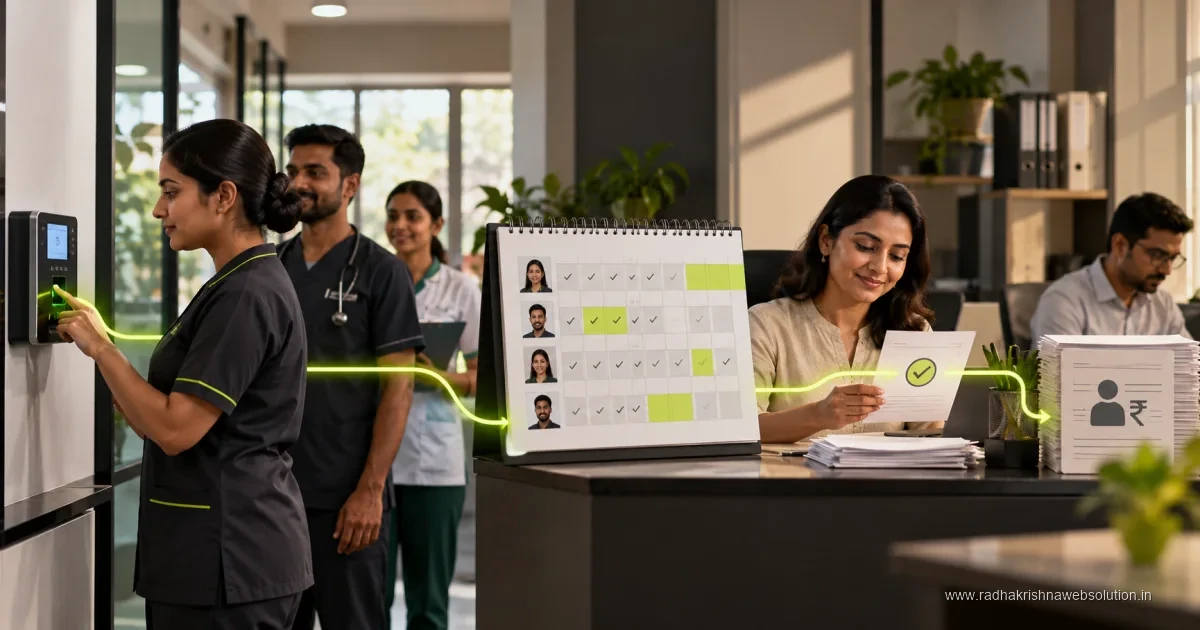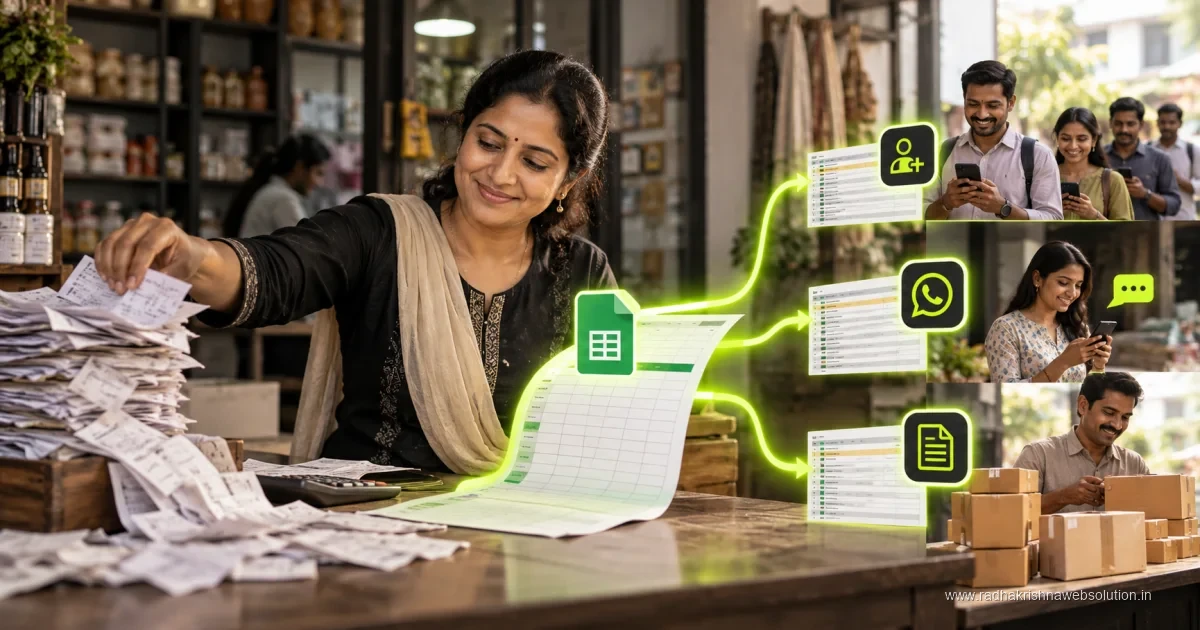
Tally integration and automation connects accounting information with approved business workflows so teams can reduce repeated entry and improve reconciliation. Define which system owns each record, how exceptions are handled and who approves changes. Test with representative transactions and an appropriate backup before connecting live accounting data.
Many traders, manufacturers and service firms in Pune and PCMC still enter the same bill twice, once in Excel or a billing app and again in Tally, which wastes time and creates mismatch during GST filing. If you have already explored invoice automation for Indian businesses and Google Sheets automation for small business, Tally integration is the natural next step to connect sales, accounts and follow-up in one flow.
What Tally integration really means for an SMB
Tally integration simply means your billing software, CRM, online store or Google Sheet can talk to Tally without repeated manual entry. When a new invoice is created in your shop software, the same details for party name, items, GST rates and totals get posted to the correct ledger in Tally. When a payment comes in on UPI or bank transfer, the receipt entry can be suggested automatically for your accountant to approve.
For a small business, this does not mean removing your accountant. It means removing copy-paste work so your accountant focuses on review, reconciliation and compliance. A dealer of electrical goods in Pimpri, for example, can keep billing at the counter fast during the day, while Tally stays updated in the background for the monthly GST return. Our automation services are often built around this assisted posting model rather than fully blind posting.
- One-time mapping of your items, GST slabs, ledgers and cost centres between systems.
- Automatic creation of sales, purchase, receipt and journal vouchers with draft review.
- Daily sync of outstanding statements so sales teams see correct pending dues.
- Clear error log when party names or GSTIN details do not match, so nothing is hidden.
- Role-based access so only trained staff can approve postings into final books.
Invoices, ledgers and stock: what to automate first
Start with the flow that causes the most rework. For most Indian SMBs, that is sales invoices and receipts. Automate creation of sales vouchers from your billing tool, then automate receipt entries from UPI and bank statements with proper narration. Once sales are stable, move to purchase invoices from suppliers, especially where you claim input tax credit and need exact GSTIN matching.
Stock handling needs extra care because units, batches and godowns differ between showroom and Tally. Keep item codes identical in both systems before you switch on sync. A hardware trader in Pune who sells in pieces, boxes and kilograms should freeze the unit master first, then test with a small set of fast-moving items. A phased approach avoids closing stock surprises at year end.
- Clean masters for ledgers, stock items, GST rates and party GSTIN details.
- Automate sales invoices with draft review for one sales counter or branch.
- Add payment receipts with UTR and mode mapping for UPI, NEFT and cash.
- Extend to purchase entries and stock journals after two clean GST cycles.
- Schedule weekly ledger review before locking the period for filing.
How WhatsApp alerts fit with Tally without breaking trust
WhatsApp alerts work best when they are linked to real Tally balances, not to Excel guesses. Common and useful alerts include invoice shared as PDF after billing, payment receipt confirmation, outstanding reminder with statement link, and low stock notice to the purchase team. Each alert should take the customer to a clear next step such as View Bill, Pay Now or Talk to Accounts.
Under the DPDP Act, take clear consent before sending business messages on WhatsApp and give a simple opt-out on every reminder. Collect consent at billing time or through your enquiry form, store the time and source of consent in your CRM, and use approved templates for transactional and reminder messages. For firms in Vadodara and Pune serving regular dealers, a polite reminder with correct ledger balance builds trust, while repeated messages without consent damage relationships.
- Share invoice PDF on WhatsApp right after Tally voucher creation with consent.
- Send payment received confirmation with updated outstanding balance.
- Send gentle due reminders only to consented numbers with opt-out option.
- Alert purchase staff on low stock or pending purchase orders for review.
Manual versus automated Tally work compared
The table below shows how daily work changes after integration. The goal is fewer errors and faster month-end, not zero human review. Even after automation, your accountant should check exceptions, GST mismatches and round-off differences before filing.
| Daily task | Manual way | With Tally automation |
|---|---|---|
| Sales invoice entry | Type again in Tally from printed bill | Auto-post as draft voucher for one-click approval |
| Receipts and dues | Update Excel and call customers for balance | Receipt suggestion plus WhatsApp statement with consent |
| Purchase and ITC | Match supplier bills near filing date | Weekly matching of purchase vouchers with portal data |
| Error handling | Find mistakes during audit or filing | Same-day exception report for name and GSTIN mismatch |
GST-ready checks and rollout plan for Pune SMBs
A GST-ready Tally setup needs discipline around masters and periods. Lock finished periods after filing, keep e-invoice and e-way bill details linked where applicable, and reconcile sales as per books with sales as per portal every month. For businesses with branches in Pune, PCMC and Vadodara, define who can create, edit and approve vouchers at each location to keep audit trails clean.
Roll out in small steps over four to six weeks. Week one is master cleanup and mapping, week two is invoice sync in draft mode, week three adds receipts and WhatsApp alerts with consent records, and week four focuses on purchase matching and reports. Ask your vendor for documentation and training videos, and check current Tally and connector pricing directly with the vendor as plans change. Pilot with one counter or godown before covering the full business.
If you want help mapping ledgers, testing draft posting and setting consent-based WhatsApp alerts, explore our automation services for Indian SMBs for a practical site visit and demo.
Want Tally-connected billing, clean ledgers and polite WhatsApp alerts for your shop, factory or agency in Pune, PCMC or Vadodara? Talk to RadhaKrishna Web Solutions through our contact page or call +91 70962 91214 for a practical demo and quote.
Official references and further reading
Frequently asked questions
Do I need to change my Tally version for integration?
In most cases you can continue with your current Tally setup after cleaning masters and mapping ledgers. Your implementation partner will confirm connector needs after a short study of your billing flow.
Will automation post wrong entries directly into my books?
A safe setup posts entries as drafts for accountant approval and shows a clear exception log. Only approved vouchers reach final books, so mismatched names or GSTIN details get fixed first.
Can I send invoice and payment reminders on WhatsApp legally?
Yes, when you take clear consent at billing or enquiry time, use approved templates and offer a simple opt-out. Store consent details in your CRM to stay DPDP-ready.