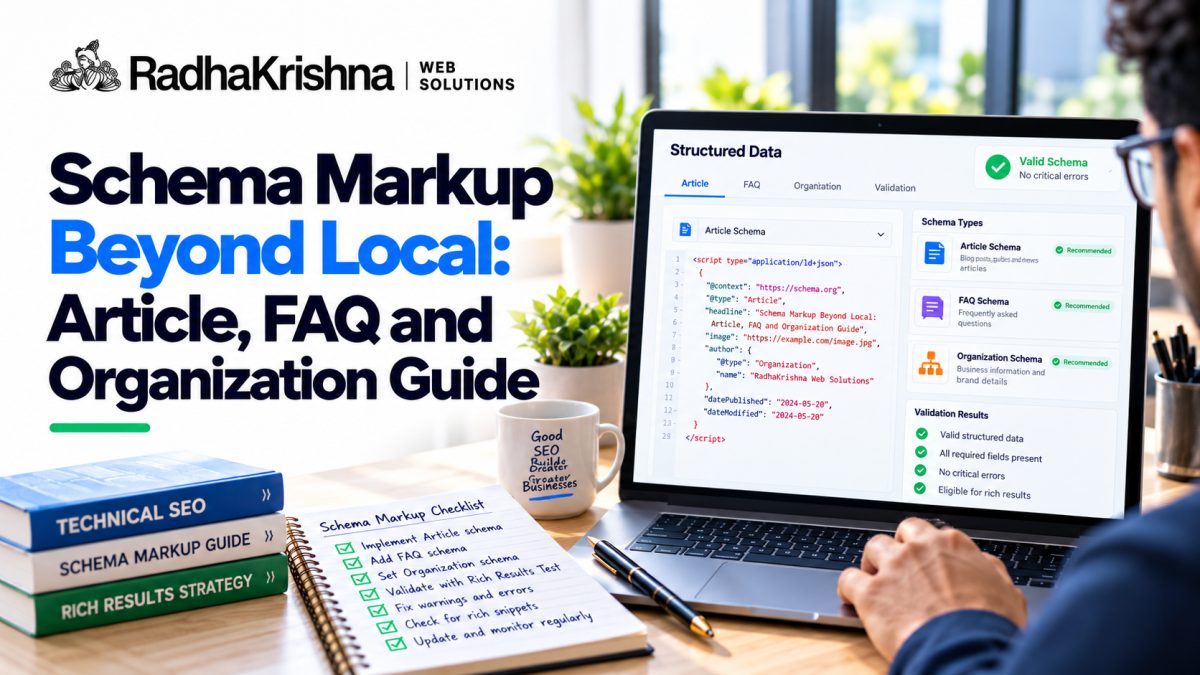
Many small businesses know about local schema but miss other useful types that help Google understand content. This guide explains Article and Organization schema, plus what changed for FAQ rich results in Google Search in 2026, with context from our local business schema guide and on-page SEO checklist for 2026.
What Schema Markup Does for Small Websites
Schema markup is structured code that labels parts of your page, such as headline, author, date or organisation details, in a way search engines can process easily. It does not change how visitors see the page, but it can improve how your content is understood and sometimes how it appears in results with richer details. For a Pune clinic or Vadodara interiors firm, clear labelling reduces confusion between similar pages.
Think of schema as name tags at a trade event. Your content is still the same, but search engines can quickly tell who you are, what the page is about and which questions it answers. This is especially helpful for small sites with limited authority, where clarity matters. As part of broader SEO services, schema is a supporting improvement, not a shortcut to top positions.
Organization Schema: Tell Google Who You Are
Organization schema describes your business at site level: name, logo, website, contact, address and social profiles. It helps connect your pages together as one brand and supports accurate knowledge display. Include consistent name, address and phone details that match your website footer and Google Business Profile.
Keep this markup on the homepage or site-wide header with same core details. Link to your about and contact pages naturally within content, and ensure your website development setup outputs one clean Organization block without duplicates. Avoid adding multiple conflicting organisation blocks from different plugins, as that creates confusion rather than clarity.
Organization schema example you can adapt
This is a minimal JSON-LD block for an Indian business. Replace every value with your own details, keep the name, address and phone identical to your Google Business Profile, and include it once in the page head of your homepage.
{
  "@context": "https://schema.org",
  "@type": "Organization",
  "name": "Sai Dental Care",
  "url": "https://www.example.in/",
  "logo": "https://www.example.in/images/logo.png",
  "telephone": "+91-98XXX-XXXXX",
  "address": {
    "@type": "PostalAddress",
    "streetAddress": "Shop 4, First Floor, Sai Plaza, Gurudwara Colony",
    "addressLocality": "Pune",
    "addressRegion": "Maharashtra",
    "postalCode": "411035",
    "addressCountry": "IN"
  },
  "sameAs": [
    "https://www.facebook.com/example",
    "https://www.instagram.com/example",
    "https://www.linkedin.com/company/example"
  ]
}
A few notes on the fields. sameAs lists your official social and directory profiles, which helps Google connect them to your brand. Use a square or wide logo file that loads publicly. If customers visit your premises, consider a more specific type such as LocalBusiness or one of its subtypes, for example Dentist or Restaurant, with the same address and phone. Test the page in Google's Rich Results Test and the Schema Markup Validator before and after you publish.
Article Schema for Blogs and Guides
Article schema is useful for blogs, guides and news-style posts. It labels headline, image, author, publisher and dates, helping search engines understand freshness and credibility. For Indian SMB blogs, include the real author or team, original images where possible and accurate published and modified dates. Update the modified date only when you make meaningful edits.
- Use one Article block per blog post with accurate headline
- Add author name and publisher organisation details
- Show published and modified dates honestly
- Include a relevant featured image with descriptive alt text
- Keep visible content matching the marked-up details
Pair Article markup with good on-page habits: clear headings, short paragraphs and helpful images. Our image SEO and alt text guide explains how to support this further. Markup cannot fix thin or copied content, so focus first on genuinely useful writing.
FAQ Content and the 2026 Google Rich Results Change
Helpful FAQs should answer real customer questions on the page. However, Google stopped showing FAQ rich results in Search on 7 May 2026 and removed its FAQ rich-result documentation in June 2026. Keeping visible FAQs still helps readers, but FAQPage markup will not create an expandable FAQ listing on Google Search. The Google Search Central documentation changelog confirms this change. FAQPage remains a Schema.org type; use it only if your publishing workflow has another legitimate reason, not as an SEO rich-result shortcut.
Write FAQs from real calls, WhatsApp chats and site visits. For example, a packers and movers page in Pune can answer charges for local shifting, packing material, insurance and weekend slots. Keep answers concise and honest, and avoid stuffing promotional claims. Clear questions can help readers find answers quickly. For related content planning advice, see our AEO and GEO guide and digital marketing insights.
Implement Safely and Test Without Errors
Use JSON-LD format in most cases, as it is cleaner to maintain than inline markup. Add schema through your theme or a trusted SEO plugin, but avoid overlapping output. Use the Rich Results Test for currently supported Google Search enhancements and Schema Markup Validator for general schema syntax. Use Search Console enhancement reports only for features that Google still supports. Fix invalid fields, misleading markup and mismatches with visible content.
| Schema Type | Best Pages | Key Fields to Include |
|---|---|---|
| Organization | Homepage, site-wide | Name, logo, URL, contact, address, sameAs |
| Article | Blog posts, guides | Headline, author, dates, image, publisher |
| FAQPage (Schema.org) | Visible FAQ sections if another system needs it | Not eligible for Google FAQ rich results since May 2026 |
| Breadcrumb | All inner pages | Page hierarchy and URLs |
| WebSite | Homepage | Site name and URL; site-specific fields only when applicable |
Start with accurate Organization and Article blocks. Keep FAQs useful for visitors rather than adding FAQPage purely for a Google search display feature that has ended. Review markup after redesigns or plugin changes, since duplicates often appear quietly. Accurate, minimal markup builds trust over time without risking errors.
Step-by-Step Process to Add Schema Without Breaking Your Site
Many errors happen because two plugins add the same markup or because test pages go live with demo content. A slow, checked process avoids most trouble. Even non-technical owners can follow these steps with developer help for the final paste and test.
- Map pages to types: Decide where Organization, Article, FAQ, Breadcrumb and LocalBusiness markup will appear, so nothing is duplicated.
- Clean existing output: Check your SEO plugin and theme settings and switch off overlapping schema features.
- Add one block at a time: Start with Organization on the homepage and Article on a real blog post; add only markup types relevant to the page.
- Test each addition: Use the Rich Results Test for supported Google features and Schema Markup Validator for broader syntax checks, then inspect available Search Console enhancement reports.
- Document and recheck: Note which plugin or file adds each block and recheck after theme or plugin updates.
Pair this routine with basic on-page discipline from our local SEO checklist for India. Clean headings, fast pages and honest dates make markup far more useful than code alone.
Practical Examples for Clinics, Classes and Service Firms
Schema works best when it mirrors what customers already see. A dental clinic in Aundh can use Organization with clinic name, address and phone, Article on a root canal cost guide with author and date, and visible FAQs answering pain, sittings and charges. A commerce class in Nizampura can publish clear batch timings and admission FAQs without expecting Google FAQ rich results.
- Home services: Organization plus service-area FAQs on pricing, visit charges and warranty
- Clinics: Article on treatment guides with doctor author and reviewed dates
- Classes and consultants: Visible FAQs on fees, duration, mode and admission steps
- Shops and showrooms: Consistent address, hours and brand links across pages
Keep visible text and marked-up details identical. If the page says Monday closed, the markup must say the same. Brand consistency also matters here, so review our brand search optimisation guide for India when names and addresses vary across listings.
Common Schema Mistakes That Cause Errors in Search Console
Structured data errors in testing tools or supported Search Console reports often trace back to a few repeated slips. Fixing them early saves repeated retesting and keeps reports clean.
- Adding FAQ markup where no visible FAQs exist on the page
- Running two SEO plugins that both output Organization or Article blocks
- Marking up hidden, truncated or pop-up-only answers that users cannot read
- Using placeholder dates, stock author names or copied publisher logos
- Copying JSON-LD from another site without changing URLs and names
- Forgetting to update modified dates after major content rewrites
When warnings appear, fix the source rather than hiding the report. Remove duplicates, correct dates and retest one URL before applying the fix site-wide. Video pages need similar care, so see our video SEO and YouTube embeds guide before adding VideoObject blocks.
How to Measure Whether Your Markup Is Working
Schema does not guarantee richer display, so measure understanding and health rather than chasing instant features. A practical monthly check is enough for most SMB sites. For ways to keep your official brand data consistent, see the entity SEO guide for local brands.
- Rich Results Test passing without errors for homepage, one blog and one service page
- Supported Search Console enhancement reports showing valid items without new errors
- Brand and service queries showing correct names, addresses and dates
- Blog impressions holding steady with accurate titles and modified dates
- No duplicate Organization or Article blocks after plugin updates
Record the test date and result in a simple sheet. If valid items stay clean and content keeps improving, markup is doing its supporting job quietly in the background.
Need help adding clean schema without plugin mess? Contact RadhaKrishna Web Solutions for practical schema and SEO support, or call us on +91 70962 91214 for guidance for your Pune or Vadodara business.
Frequently asked questions
Does schema markup guarantee rich results on Google?
No. Schema helps Google understand your content and can make pages eligible for richer display, but Google decides when to show enhancements. Focus on accurate markup plus genuinely helpful visible content.
Which schema types should a small business start with?
Start with accurate Organization details on the homepage and Article markup on genuine blog posts. Add Breadcrumb and LocalBusiness markup where appropriate. FAQPage is not a Google rich-results opportunity in 2026.
Does FAQ schema still show rich results on Google in 2026?
No. Google stopped showing FAQ rich results in May 2026. Keep useful FAQs visible to visitors. FAQPage remains a Schema.org type, but adding it will not create Google FAQ rich results.
How do I know if my schema has errors?
Use Google's Rich Results Test for currently supported search features and the Schema Markup Validator for general schema syntax. Review only relevant Search Console enhancement reports and fix duplicate or inaccurate markup.