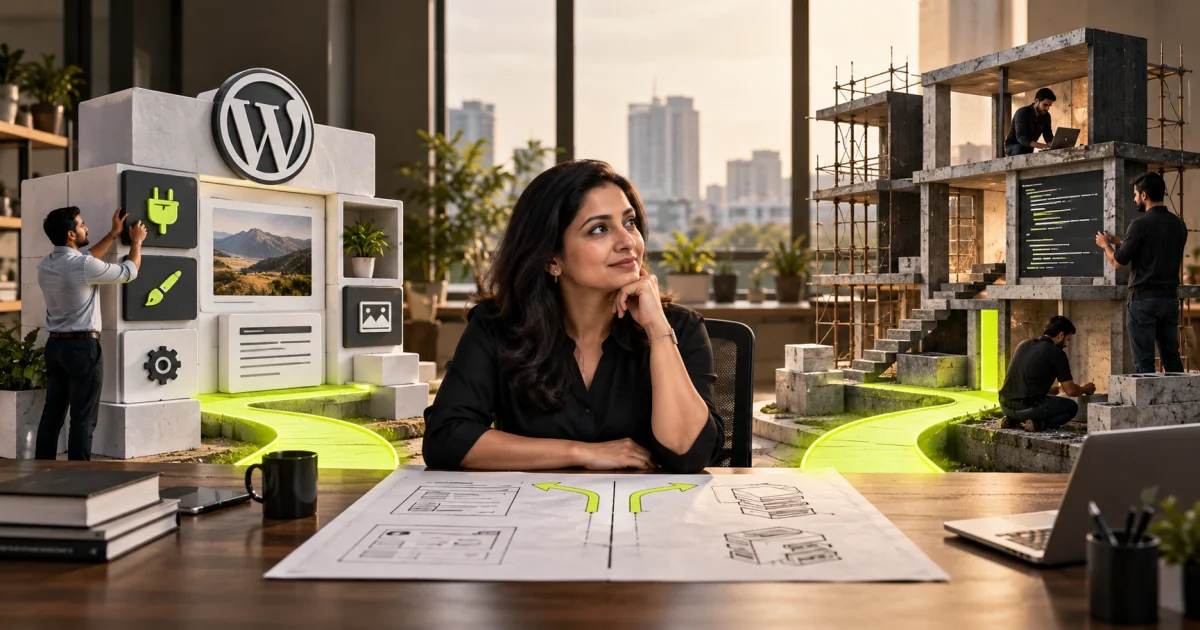
WordPress versus a custom website is a decision about requirements, content management, integrations and long-term ownership. Compare what the team must update, how the site will be supported and which constraints matter. Assess total delivery and maintenance costs instead of assuming either approach is automatically faster, cheaper or more secure.
Both WordPress and a custom PHP website need supported runtime versions. Use the PHP upgrade planning guide to include that responsibility in the project scope, and the WordPress PHP upgrade checklist when checking plugin and theme compatibility.
Most owners who ask about WordPress vs custom website development are really asking a different question: which choice will cost me less trouble over the next three years? That is the right question. The build price is a one-time number. Editing friction, plugin breakages, hosting bills and developer dependency repeat every month for as long as the site is live.
Replacing an existing site rather than starting fresh? Check the 10 signs your old website needs a redesign first; sometimes a refresh on the current platform is all you need.
There is no universal winner here. WordPress is a popular choice for Indian business sites for good reasons, and a custom build solves problems WordPress handles badly. Our team scopes both routes on almost every new site project we take on, and the deciding factors are usually boring and practical. This guide gives you those factors, a decision table, and a short process to reach an answer.
WordPress vs custom website development: the honest short answer
If your site's job is to explain what you do, rank for service and location searches, and collect enquiries, WordPress is almost certainly the right call. It is faster to build, cheaper to change, and your own staff can run it without raising a ticket.
If your site is the product, or it has to hold logic specific to your business, custom wins. Think booking engines with real availability rules, dealer portals, quote calculators tied to your pricing sheet, or a dashboard your operations team lives inside all day.
The mistake we see most often is not choosing wrong on the merits. It is choosing custom for a brochure site because it sounds more serious, then discovering that a two-line change to the homepage needs a developer, a deployment and a week of waiting.
What does each option really cost to build?
A WordPress business site usually lands between under Rs 50,000 and Rs 2 lakh, depending on page count, design work and integrations. A genuinely custom build starts higher and runs to Rs 5 lakh or more for web applications. The gap is design and code written specifically for you rather than configured.
Three things move a WordPress quote. How much original design you want, how many distinct templates the site needs, and how many outside systems it must talk to. A theme-led site with eight pages sits at the low end. A bespoke design with twenty templates and a CRM handoff sits near the top.
Custom quotes move on scope, not page count. You are paying for a data model, an admin interface, testing and a deployment setup. That work is real, which is why a serious custom project rarely finishes faster than a comparable WordPress build. We plan six to twelve weeks for most websites either way, with weekly checkpoints so nothing drifts quietly.
Budget for licences too. Premium themes, page builders, form tools and booking plugins usually carry annual fees, and vendors change pricing regularly, so check the vendor's own page before you commit.
If you want the line items behind a quote, our breakdown of what a business site actually costs to build in Pune lists them, and realistic build timelines explains where the weeks disappear.
Which one is cheaper to run every month?
Running cost is not only hosting. Budget for hosting, backups, security monitoring, plugin and core updates, and somebody to fix things when an update breaks a page. WordPress usually costs less to host and more to maintain. A custom build often costs more to host and less to babysit.
Cheap shared hosting is where slow WordPress sites come from. Once you add a page builder, a form plugin, a caching plugin and a security plugin, a low-end plan starts to struggle under normal traffic. Moving a plugin-heavy site from cheap shared hosting to decent managed hosting often improves speed without a single line of code changing.
Custom builds usually need a proper server or a managed platform, so the hosting line is higher. What you save is churn: no weekly update queue, and no theme author abandoning a product you depend on.
The recurring cost people forget is attention. Someone has to apply updates, confirm the enquiry form still delivers to the right inbox, and restore a backup when it does not. Whether you keep that in-house or hand it to an agency, put it in the budget and give it an owner. Our maintenance routine somebody actually owns is a workable starting point.
Can your staff edit the site without calling a developer?
WordPress wins this by default. Your marketing person can add a blog post, swap a banner or publish a new service page the same day. A custom site can match that, but only if the team builds an admin panel for it, and that panel costs money to build.
Ask a sharper version of the question. What will you actually change in the next twelve months? If the answer is a few blog posts, seasonal offers and the occasional new service page, you want a CMS your team can drive. If the answer is almost nothing, editing convenience should not decide your build at all.
One warning about WordPress editing. Heavy page builders give staff enormous freedom, and staff use it. Six months later the site has nine button styles, four heading sizes and a contact page nobody can explain. Lock the design into reusable blocks and give editors a one-page written guide.
Performance, security and the plugin problem
Plugins are the real difference between the two options, more than the code underneath. Every plugin is software written by someone else, running on your site, with access to your database. Most are fine. The risk is not any single plugin, it is the pile.
Sites collect plugins over time. Each one adds requests, database queries and another update to track, and two of them will eventually disagree after a core release. Keep the list short, remove anything deactivated, and prefer one well-supported plugin over three narrow ones.
Security follows the same logic. Business sites are rarely broken into by clever attackers, the usual route in is a neglected plugin nobody has updated in a long time. Custom code has a smaller public attack surface because nobody is scanning the internet for your specific admin path. It also has fewer outside eyes finding its bugs, which cuts both ways.
On speed, both can be fast and both can be slow. WordPress gets slow through plugin bloat, oversized images and weak hosting. Custom builds get slow through unoptimised database queries and heavy JavaScript used where plain HTML would do. Measure Core Web Vitals on your real pages before you blame the platform.
When custom development genuinely wins
Custom is not a status upgrade. It is the right answer when your requirement does not fit the shape of pages and posts. These are the situations where we recommend it without hesitation.
- Your site runs business logic: availability, eligibility, pricing rules or approval workflows.
- You need two-way integration with an ERP, Tally, a dealer system or a custom CRM.
- Multiple user roles log in and see different data, with real permission requirements.
- You handle payments and GST invoicing inside flows that standard Razorpay plugins do not model well.
- Data volume or concurrent usage has outgrown what a plugin stack handles predictably.
- The interface is the product, and a template would compromise it.
Scale is worth separating from traffic. A marketing site with heavy traffic is a caching and hosting problem, and WordPress handles it well. A site with thousands of records, filters across several fields and logged-in users writing data is a database problem, and that is where a custom data model earns its cost.
Notice that none of these reasons is wanting to look premium. A well-designed WordPress site and a well-designed custom site look identical to a visitor. Design quality comes from the designer and the brief, not from the platform.
There is also a middle path that suits many Indian SMEs. Keep the marketing site on WordPress so your team can publish freely, and build the application as separate custom software work on a subdomain. You get editable content and a proper product without forcing one system to do both jobs badly.
Ecommerce sits slightly outside this comparison. That choice turns on payment gateways, shipping and GST handling more than on custom code, and our side-by-side look at the two store platforms covers the India specific parts.
A decision framework you can run this week
Start with the table below, then run the steps under it with whoever owns the website internally. It takes a couple of hours spread over a week, and it prevents the expensive version of this decision.
| Factor | WordPress | Custom build |
|---|---|---|
| Build cost and time | Lower cost, faster to a first version, most business sites in the under Rs 50,000 to Rs 2 lakh range | Higher cost, commonly Rs 2 lakh to Rs 5 lakh or more for applications, same six to twelve week window |
| Editing by non-technical staff | Strong out of the box, any trained staff member can publish | Only as good as the admin panel you paid to build |
| Maintenance burden | Ongoing core, theme and plugin updates, plus breakage checks after each one | Less routine churn, but almost every change needs a developer |
| Security exposure | Mostly inherited from plugins, weak passwords and cheap hosting | Smaller public attack surface, fewer outside eyes on your bugs |
| Best fit | Marketing sites, service businesses, blogs, standard catalogues | Portals, applications, complex logic, deep system integrations |
- Write down every task the site must perform in plain language, including tasks your staff do manually today.
- Mark each task as content, catalogue or logic. The logic items are what push you toward custom.
- List the systems the site must exchange data with, and confirm whether each one has a usable API.
- Decide who edits the site and how often, then be honest about their comfort with software.
- Set your budget band and separate build money from the first year of running money.
- Get one quote for each route against the same written scope, and compare what each one excludes.
If your list is mostly content and catalogue items, stop there and build on WordPress. If two or more logic items sit at the centre of how the business earns money, price both routes properly before committing. You are welcome to send us the tasks your site must handle and we will say which route we would pick and why.
Frequently asked questions
Is WordPress worse for SEO than a custom website?
No, because search engines read the HTML your site produces, not the system that produced it. WordPress makes technical SEO easy to get right and easy to get wrong, since plugins can create duplicate URLs and heavy markup. Custom gives tighter control, but only if the developer cares. We do not promise rankings on either.
Can we start on WordPress and move to a custom build later?
Yes, and it is often the sensible sequence. Launch on WordPress, learn what customers and staff actually need, then rebuild the parts that justify it. Keep your content structured and your URLs clean so the move is a redirect map rather than a rescue operation.
Who owns the code if we go custom?
You should. Get ownership of the code, the repository and the hosting accounts written into the agreement before work starts. Ask for a handover pack with deployment steps and environment details. Without that, a custom site quietly becomes lock-in, and your next developer will quote for a rebuild.
How long does each option take to build?
We plan six to twelve weeks for most business websites, and the range depends more on content readiness and approvals than on the platform. Custom applications take longer because testing takes longer. Delays usually come from photography, copy and internal sign-offs rather than from code.
Making the call without second-guessing it
Choose the platform that fits the work your site actually does, not the one that sounds more impressive in a meeting. WordPress is the correct default for most service businesses. Custom earns its price when logic, integrations or user roles sit at the centre of what you are building.
RadhaKrishna Web Solutions supports businesses in Pune, Maharashtra, and Vadodara, Gujarat, through remote project delivery. We do not currently operate a customer-facing office. Contact the RKWS team to discuss your requirements and agree the next steps.
If you are still stuck, do not guess your way into a rebuild. Share your page list, your integration list and your budget band, and we will map both routes against them honestly. Start by telling us what you are trying to build, and you will get a straight recommendation, including the case for the cheaper option.
Two decisions that come up right after the platform choice: whether headless WordPress makes sense for your business, and whether you need Marathi and Hindi versions of your website.